Press kit
Everything you need to write about SwiftLocker: Descriptions, key facts, the app icon and screenshots. Questions? Write to support@swiftapps.club.
Tagline
Hide private photos and videos behind your own PIN
Short description
SwiftLocker is a private photo vault for iPhone and iPad. It keeps photos, videos and documents behind a PIN of their own, plus Face ID or Touch ID, encrypted on the device. No account, no ads, no tracking.
Long description
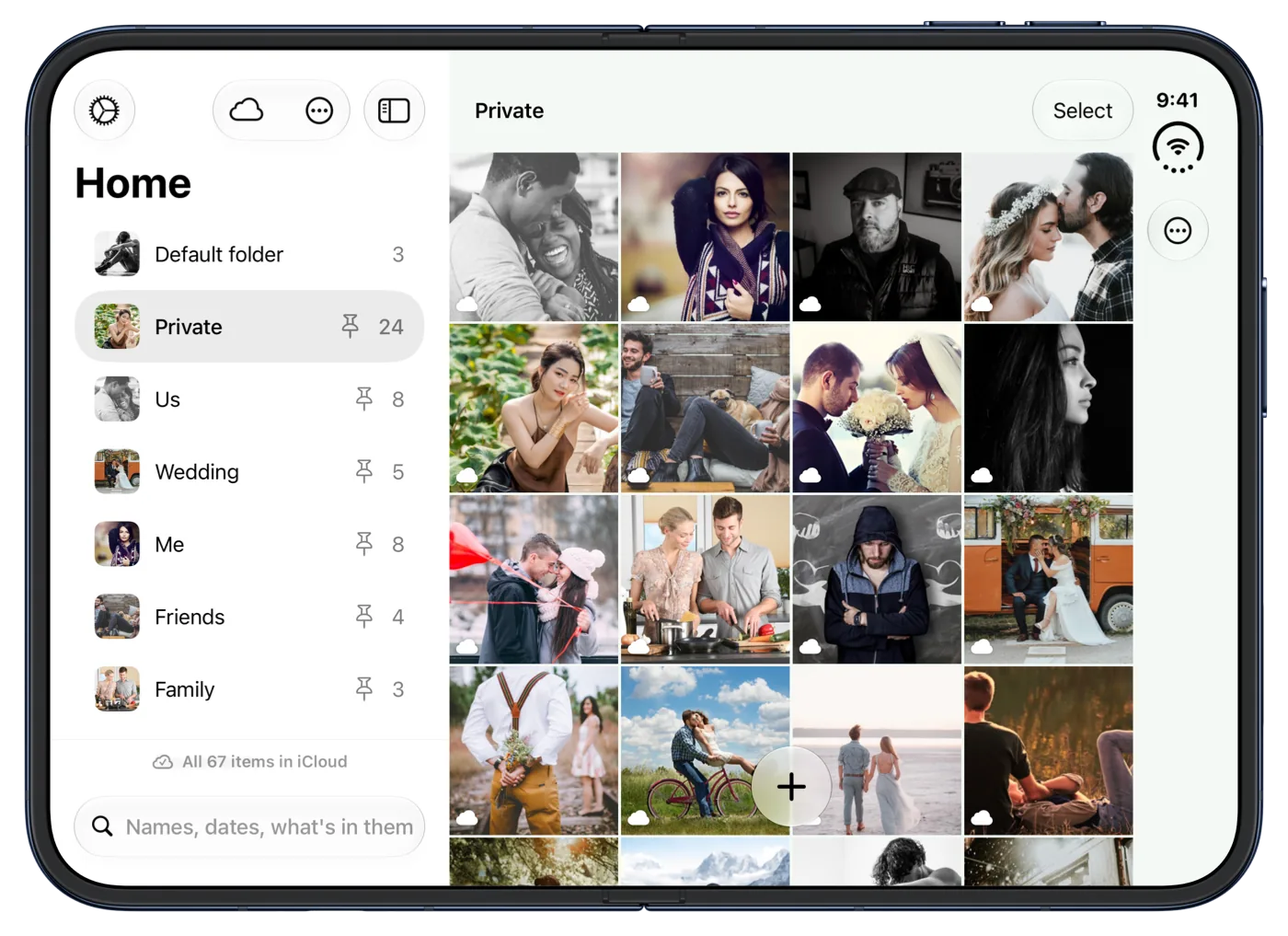
SwiftLocker is a private photo vault for iPhone and iPad, optimized for iPhone Duo. It locks with a PIN that's separate from the iPhone passcode, plus Face ID or Touch ID. Knowing the passcode doesn't open it.
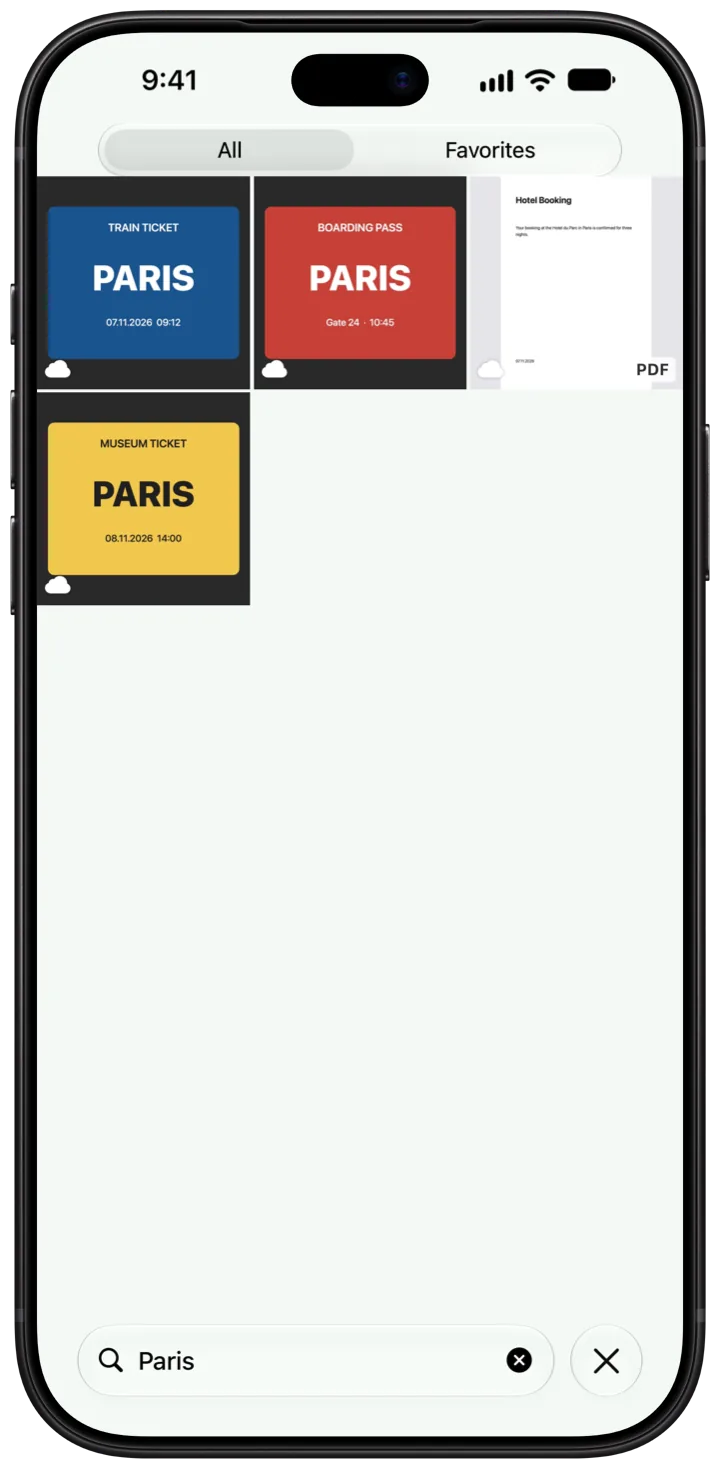
Photos, videos, documents and PDFs live in folders, encrypted on the device. Documents and IDs can be scanned straight into the vault. Search finds things by name, by date, by what's in a photo and by the text in photos and PDFs, all on the device. On Apple Intelligence devices, people can just ask in a sentence. Trash and Find Duplicates are free for everyone.
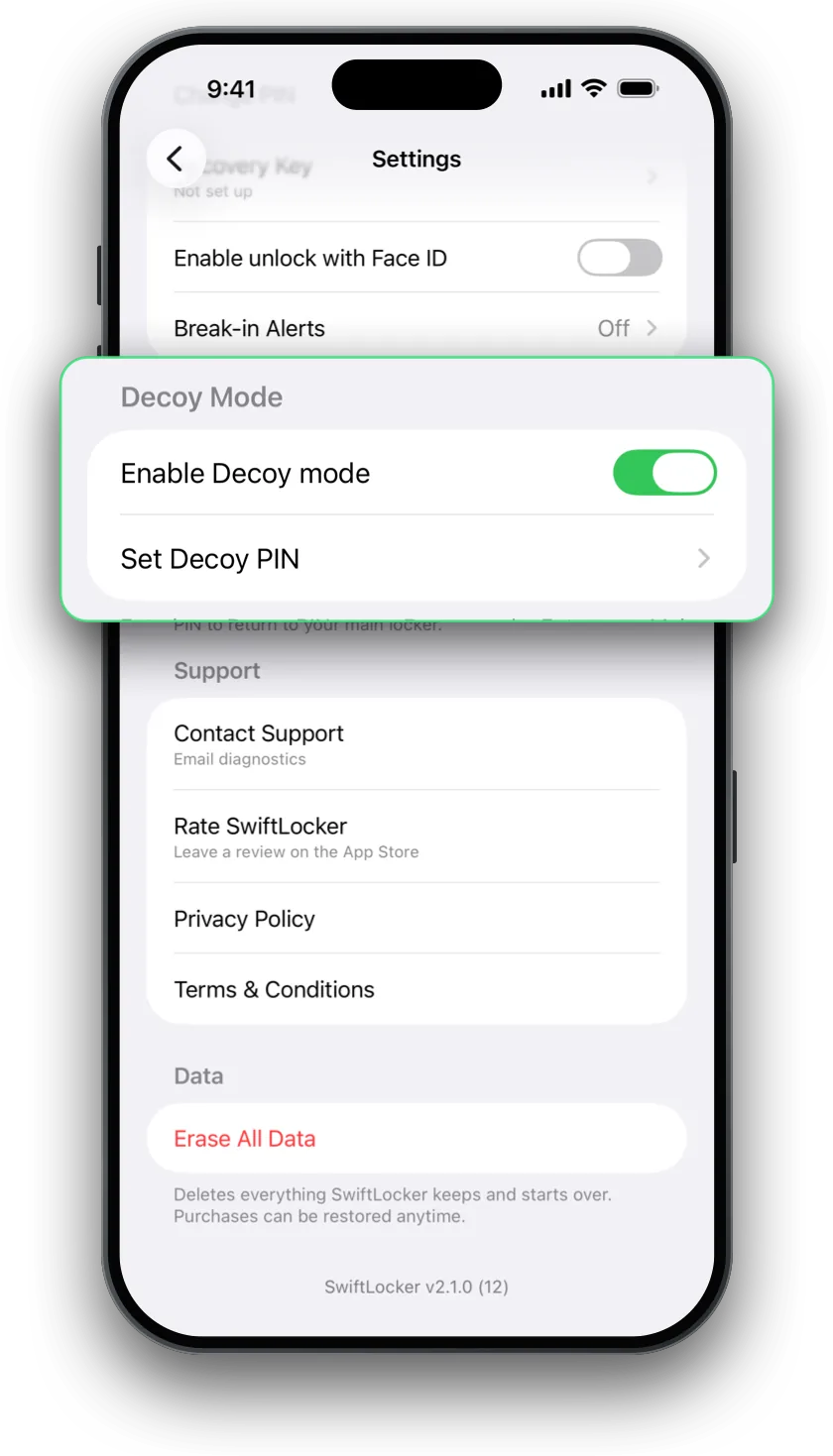
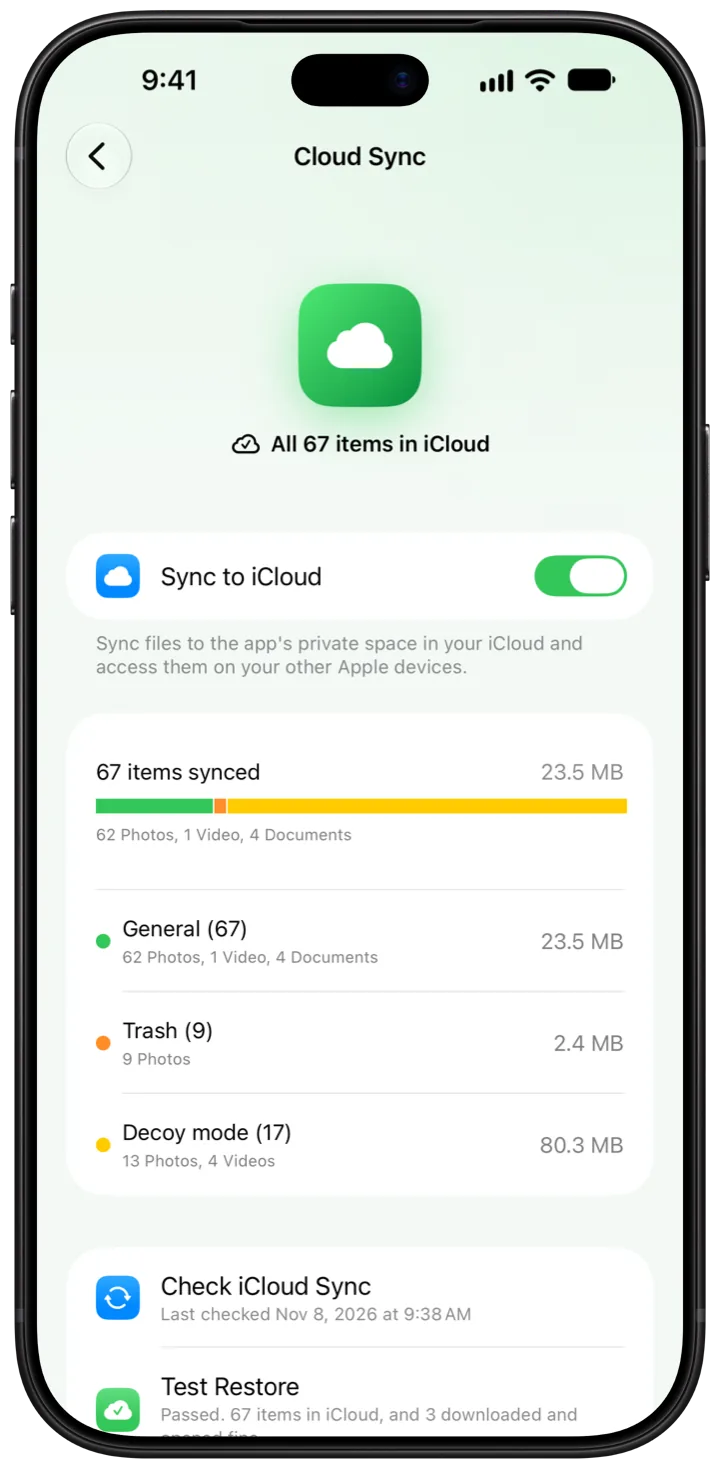
SwiftLocker Premium adds a decoy PIN that opens a second vault, Break-in Alerts that take a photo after 3 wrong PINs in a row, end-to-end encrypted iCloud sync in the person's own iCloud, password-protected backups, unlimited folders and app icons in five colors.
SwiftLocker needs no account and shows no ads. Its App Store privacy label lists no data used to track you. It's made by an independent developer.
Key facts
- Name: SwiftLocker: Photo Vault
- What it is: A private photo vault
- Platforms: iPhone and iPad, with iOS or iPadOS 18 or later. Optimized for iPhone Duo.
- Languages: English, German, French, Spanish (Spain and Mexico) and Portuguese (Brazil)
- Price: Free, with optional Premium. Premium is monthly, yearly with a 7-day free trial, or once for life. Prices are shown in the App Store.
- Account: None needed
- Ads and tracking: None
- Category: Photo & Video
- App Store: apps.apple.com/app/id6462688628
- Website: swiftlocker.swiftapps.club
- Press contact: support@swiftapps.club
App icon
Download the icon (PNG, 128 × 128).
Screenshots
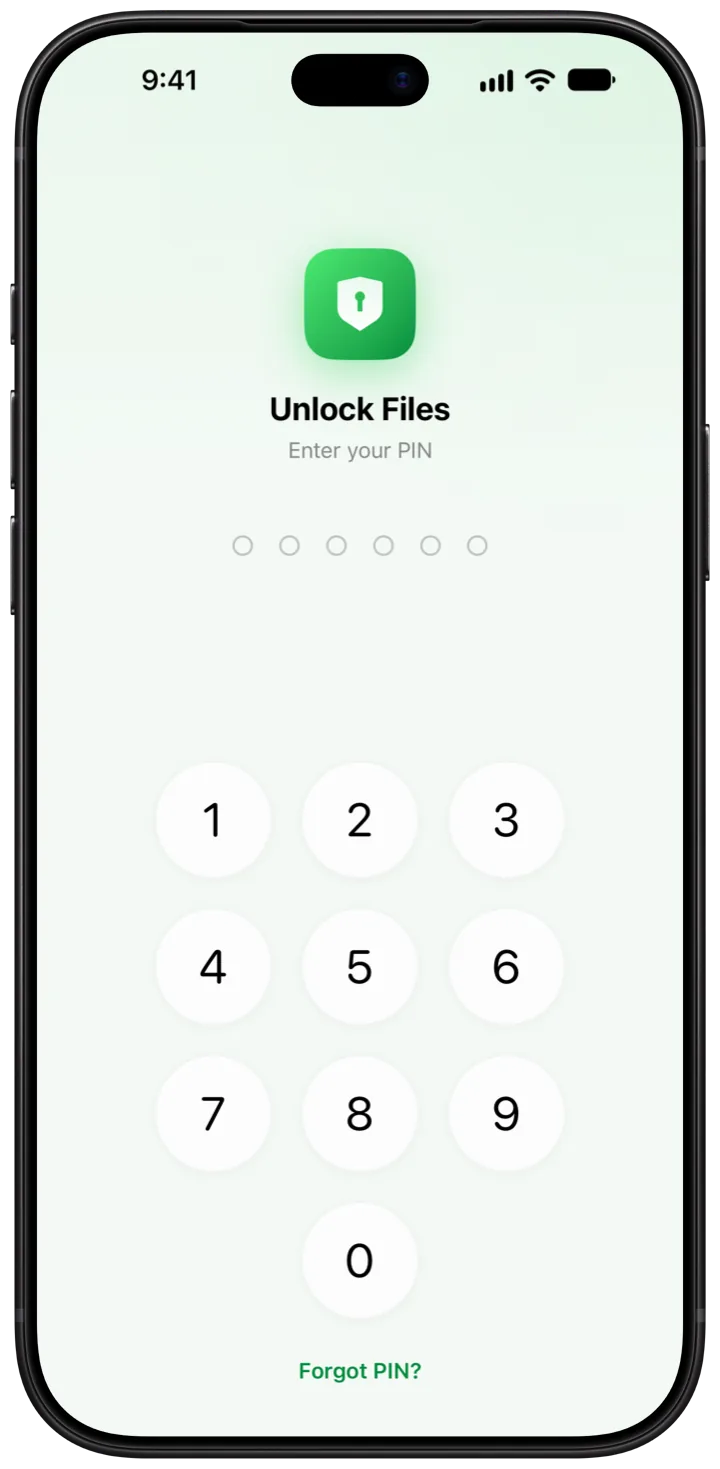
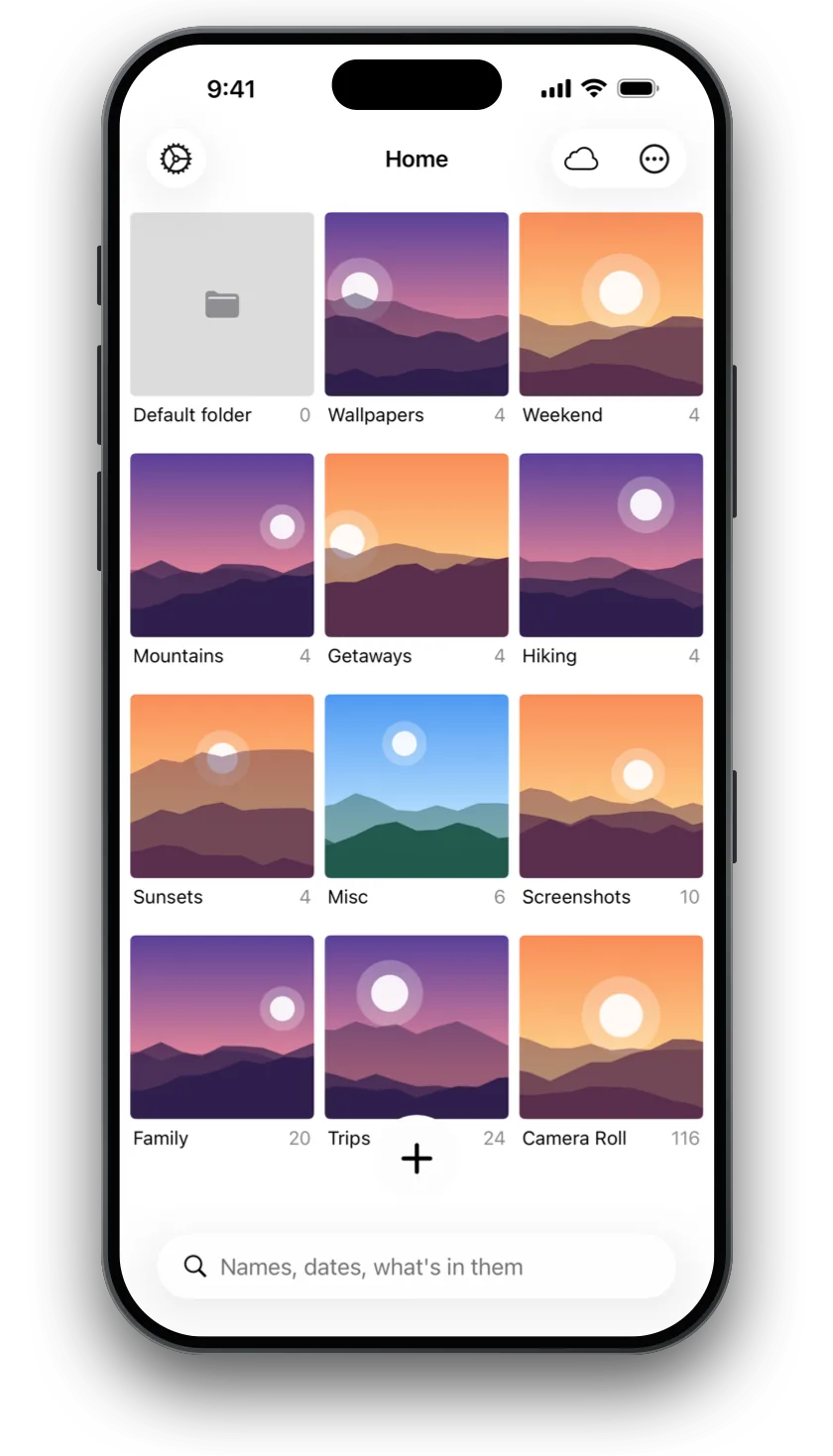
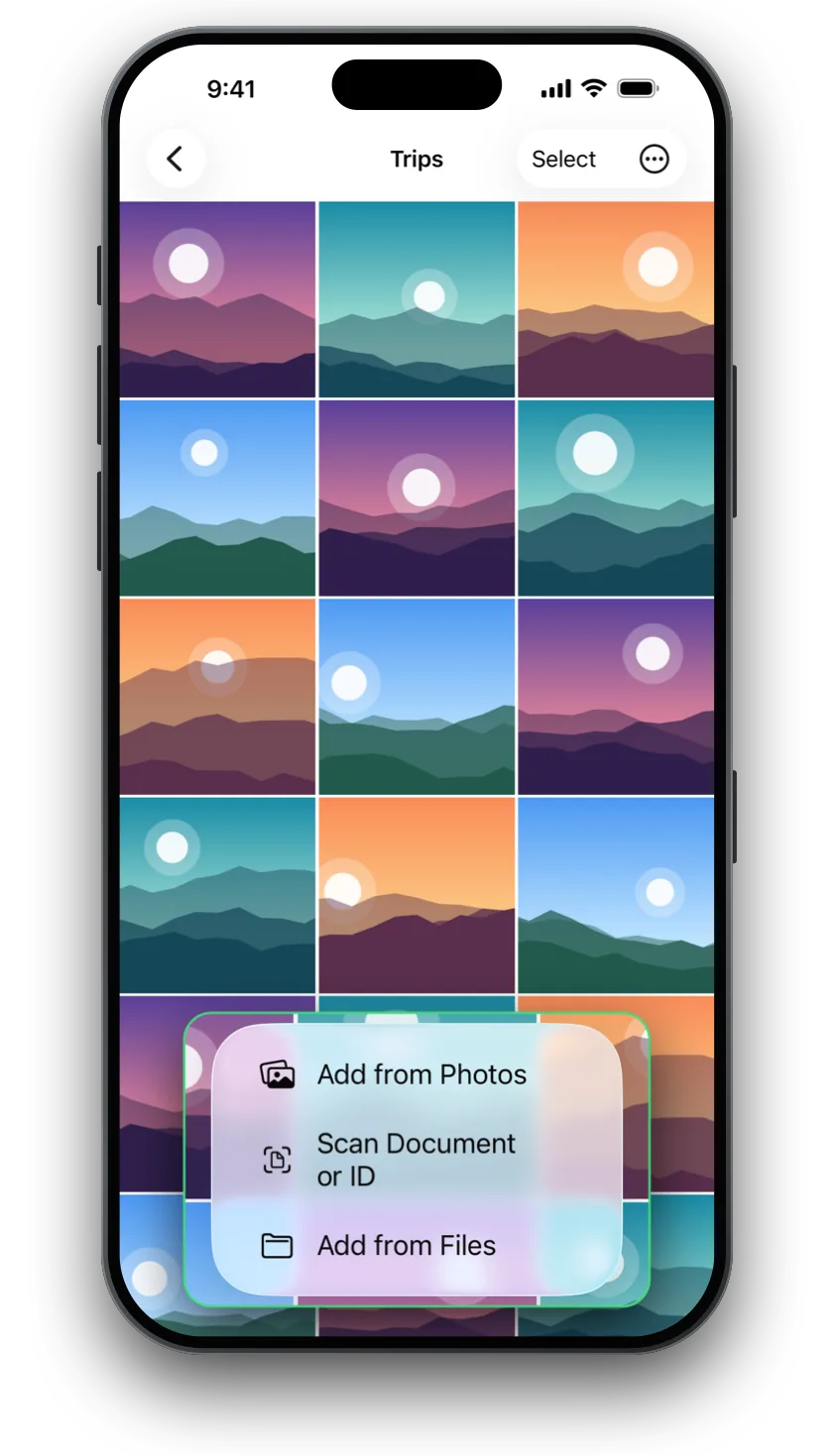
SwiftLocker 2.1.3 on iPhone, in Apple's device frames. Tap one to download it full size (WebP, 720 × 1469).
Larger images
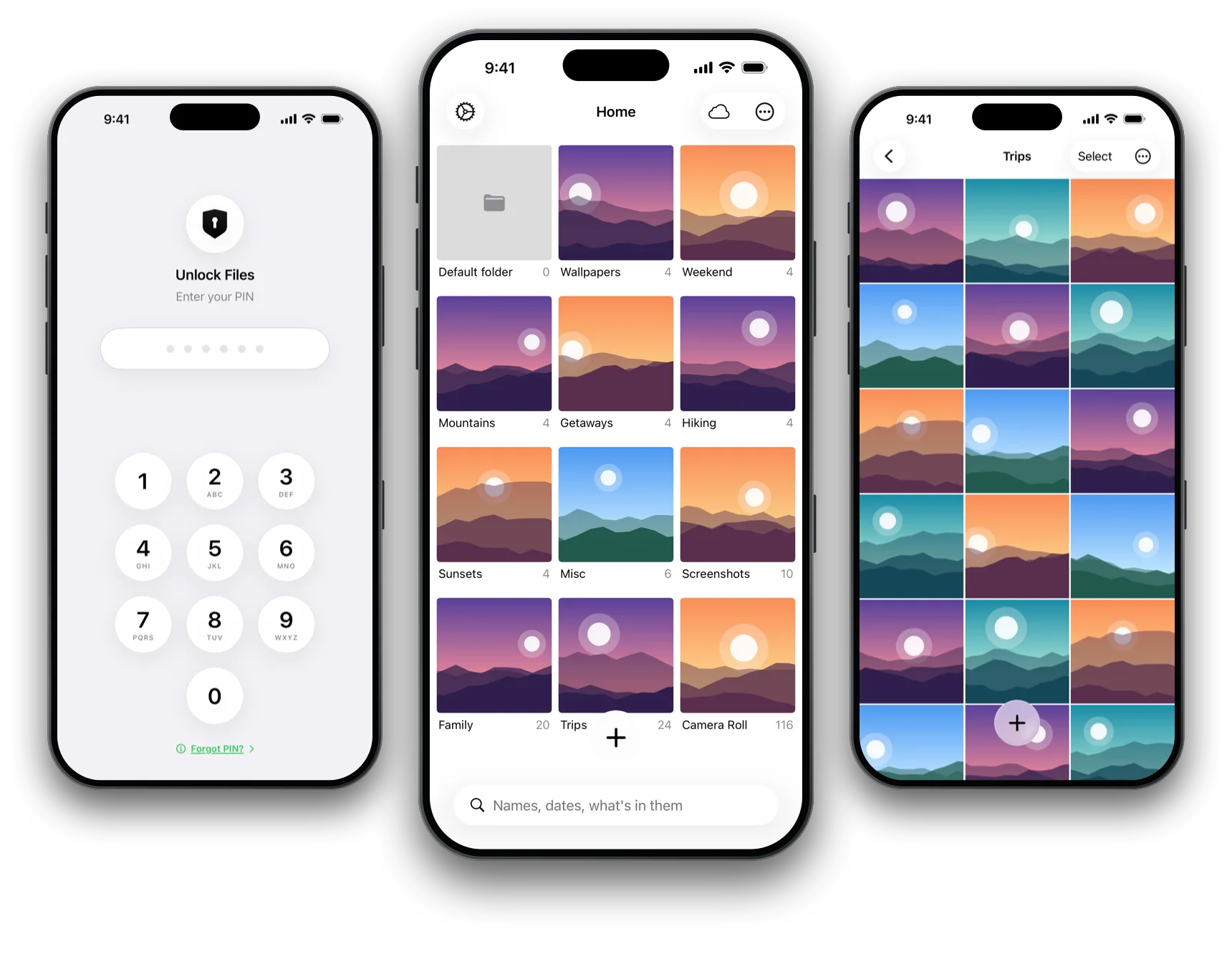
- Three iPhones: The lock screen, Home and a folder of photos (WebP, 1720 × 1183)
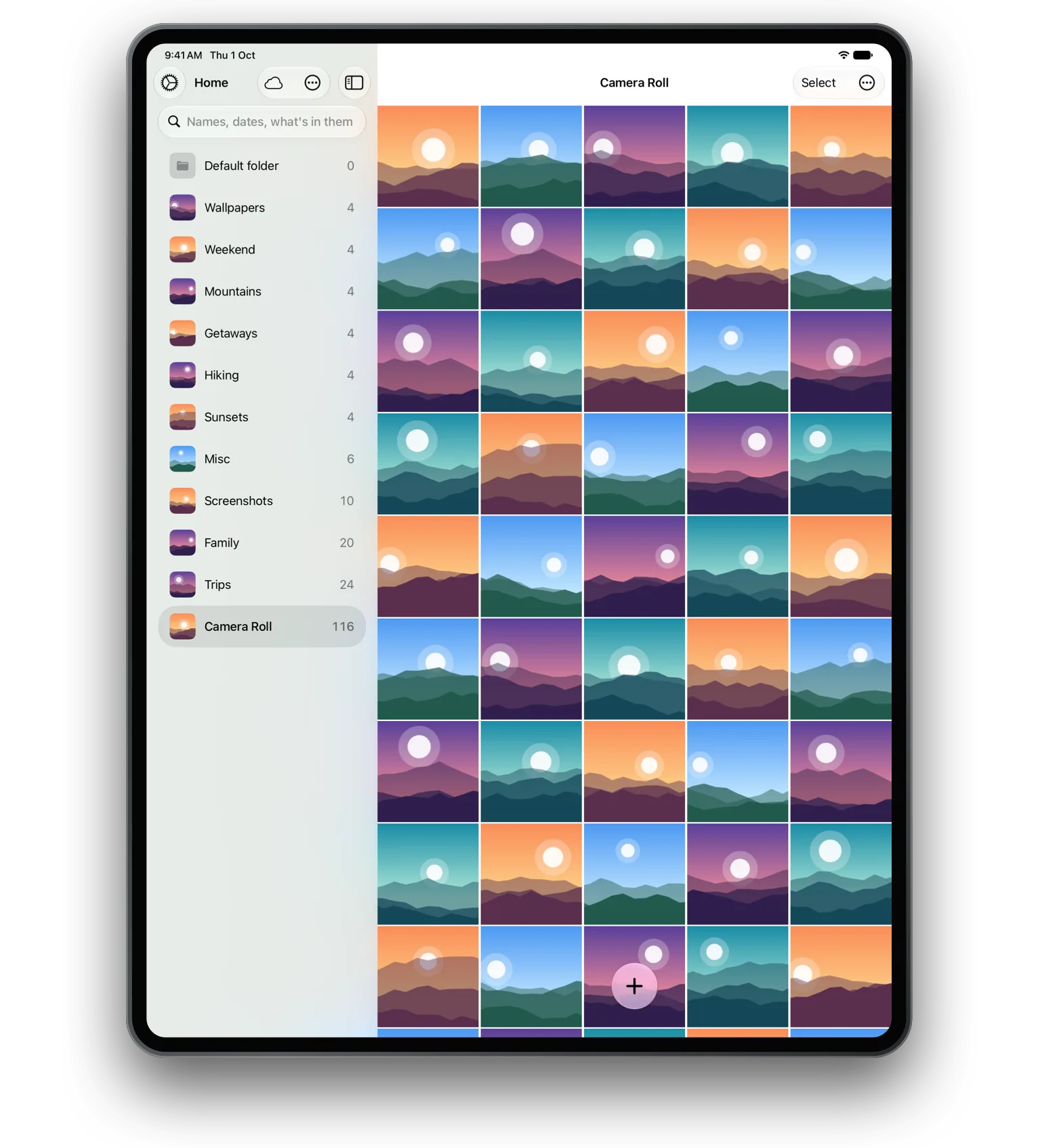
- iPad: Folders in a sidebar beside a grid of photos (WebP, 1300 × 1696)
- iPhone Duo, open: Folders in a sidebar beside photos (WebP, 1400 × 1017)
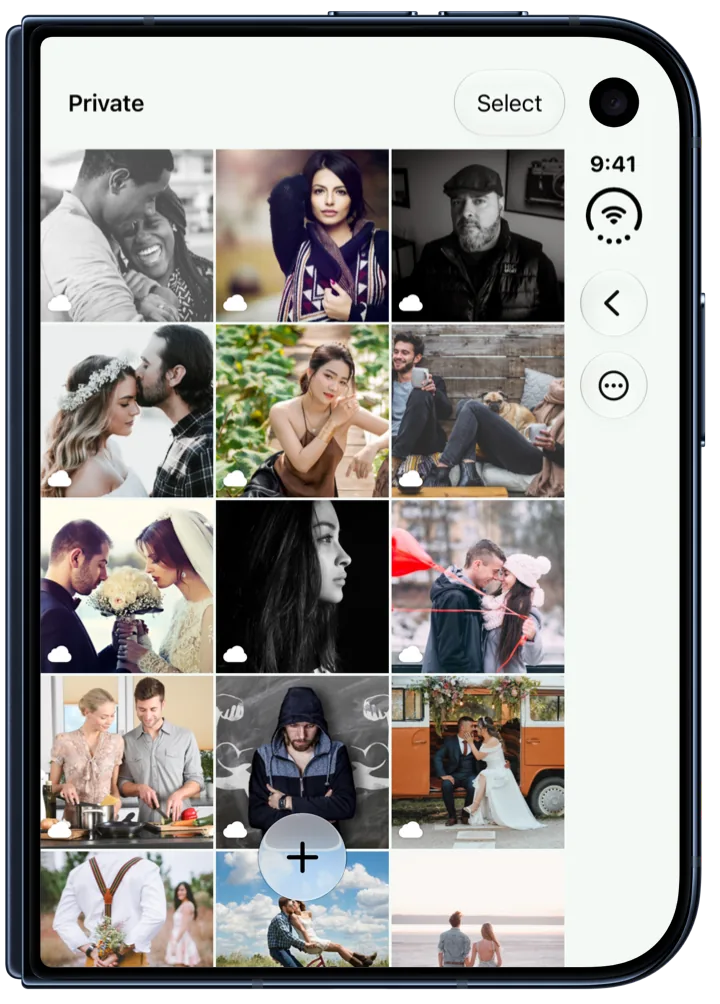
- iPhone Duo, closed: A folder of photos on the outer display (WebP, 720 × 1004)
Contact
For press questions, write to support@swiftapps.club.