Your photos,
your PIN.
Hide photos, videos and documents behind a PIN of your own, plus Face ID or Touch ID. Encrypted on your iPhone, and nobody else's business.
- No account
- No ads
- No tracking
- Encrypted on your device
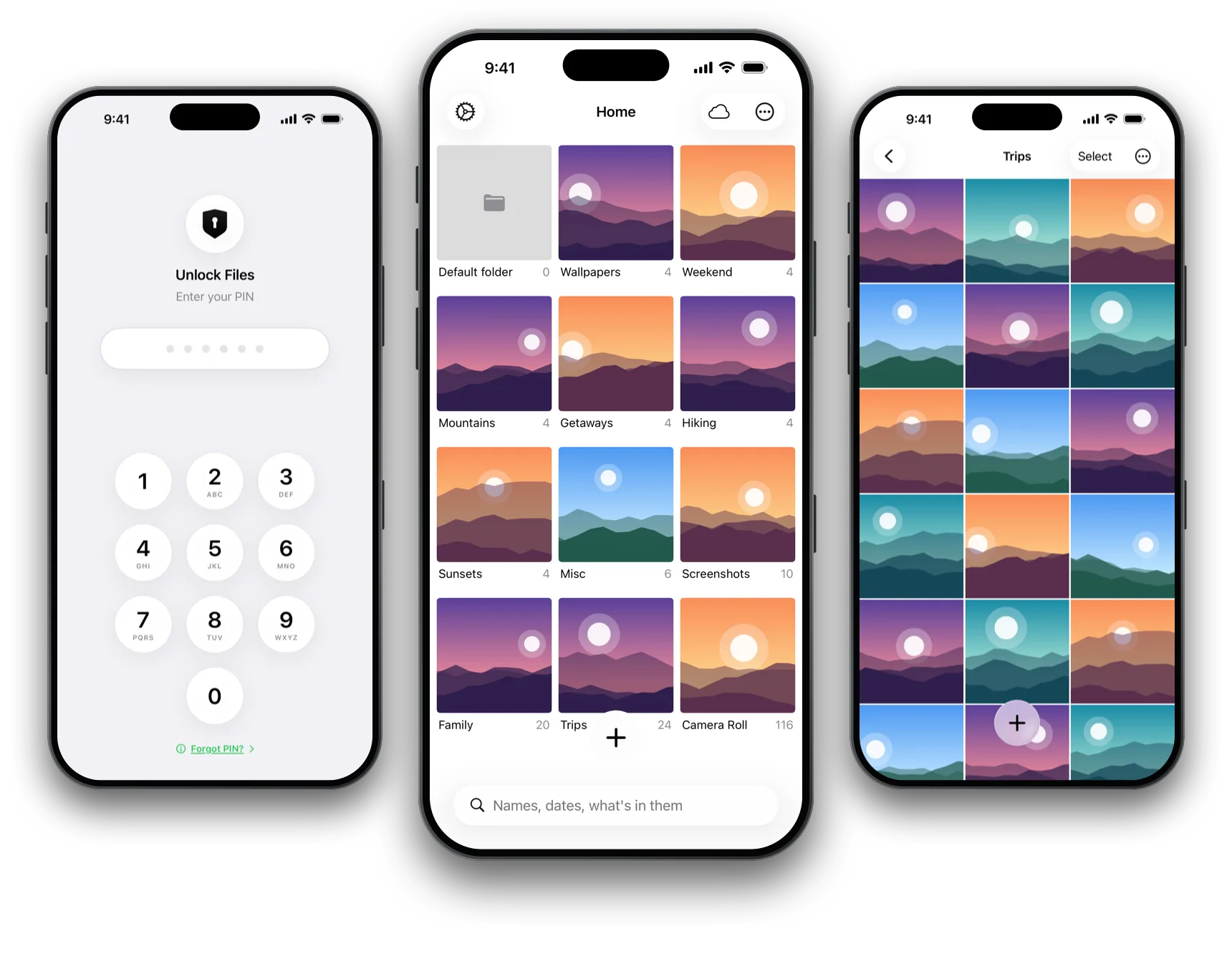
Hidden from
your library
Move photos and videos out of Photos in a tap. SwiftLocker keeps its own copies, encrypted, and can move the originals to Recently Deleted for you.
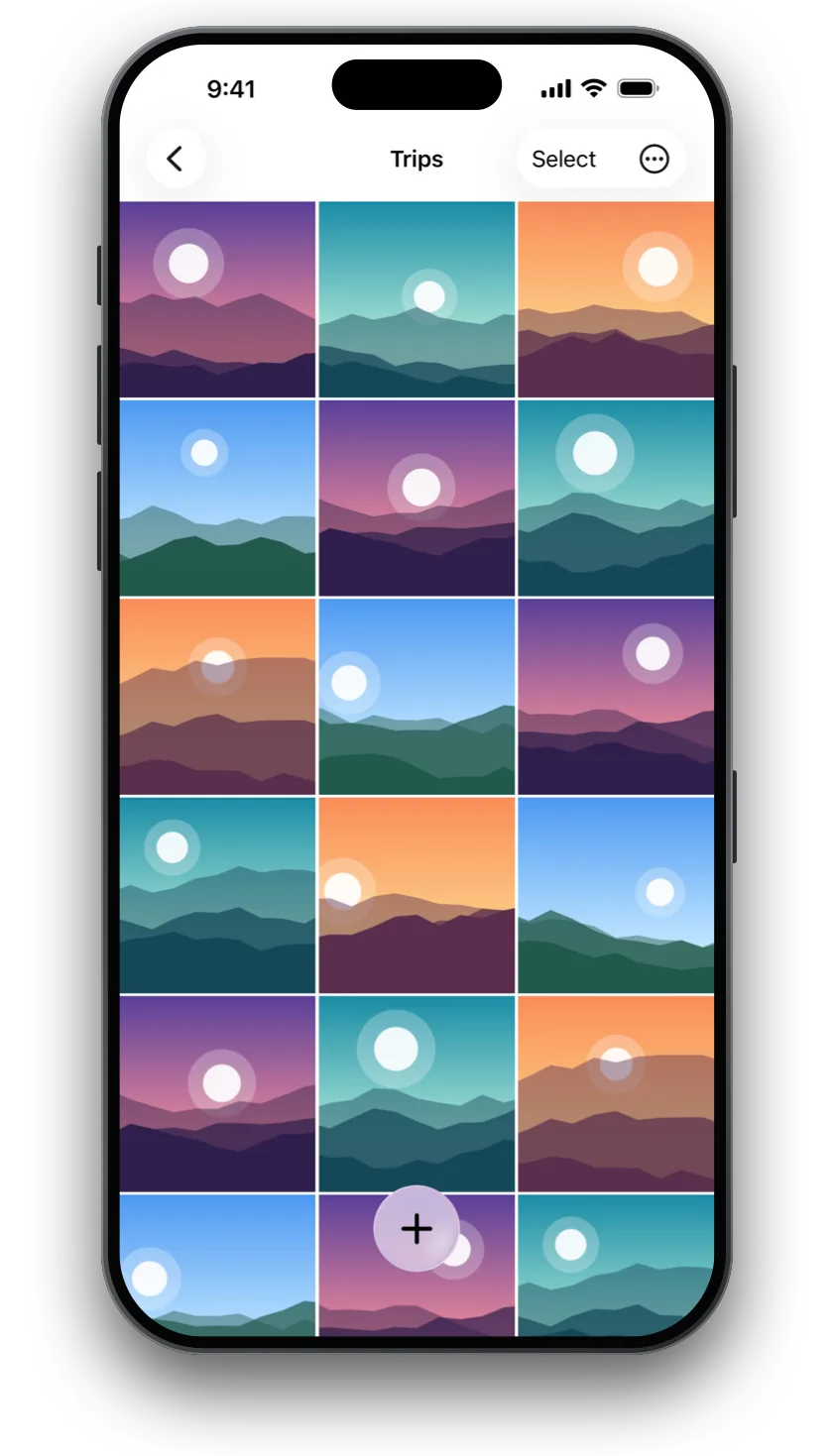
A second PIN
for prying eyes
When someone asks to see, a decoy PIN opens a second vault with whatever you put there. Nothing in it shows that another one exists.
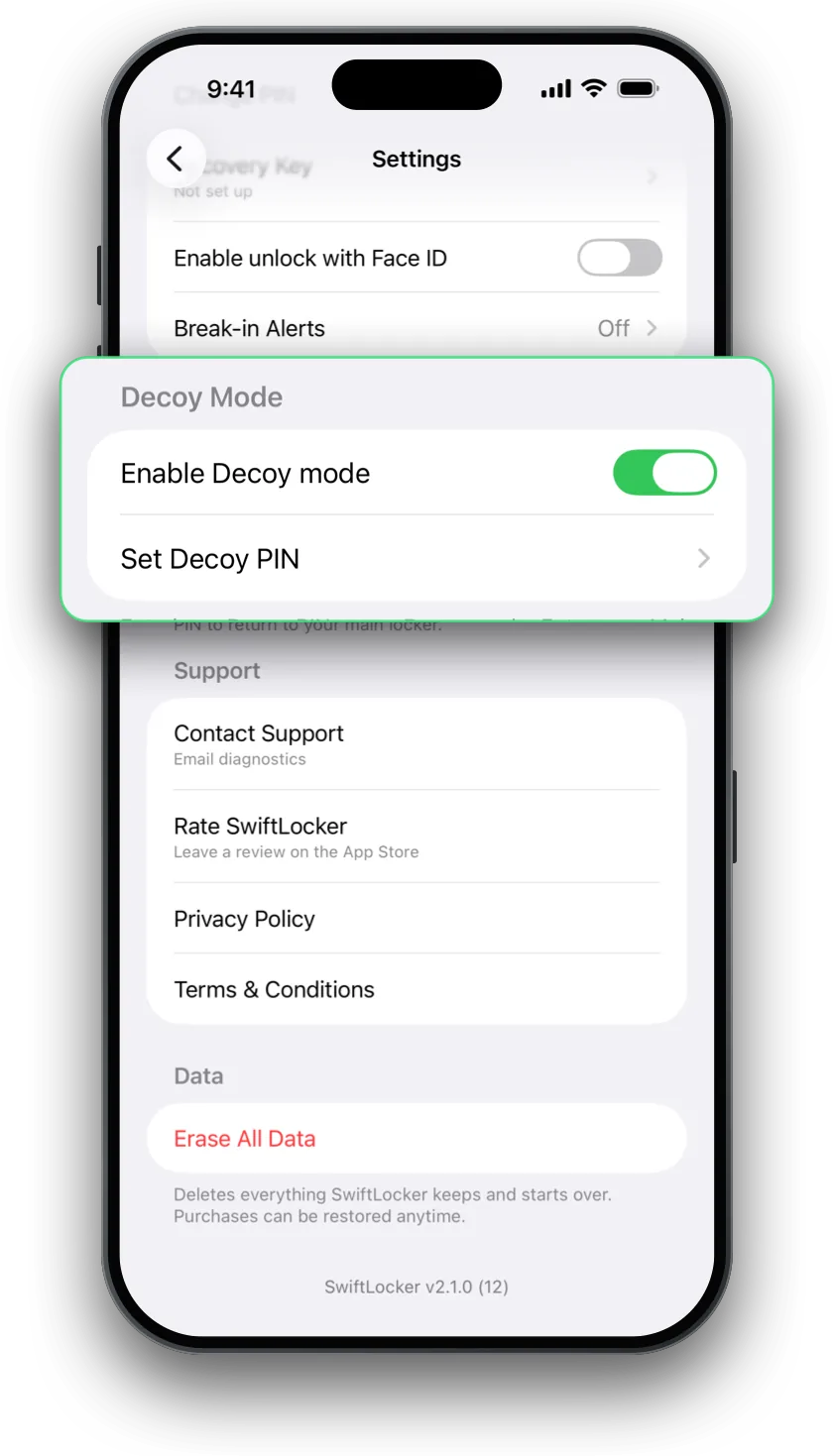
A folder for
everything private
Photos, videos, documents and PDFs, in folders of their own. Search finds them by name, by date, and by what's in a photo and the words on it, all on your device.
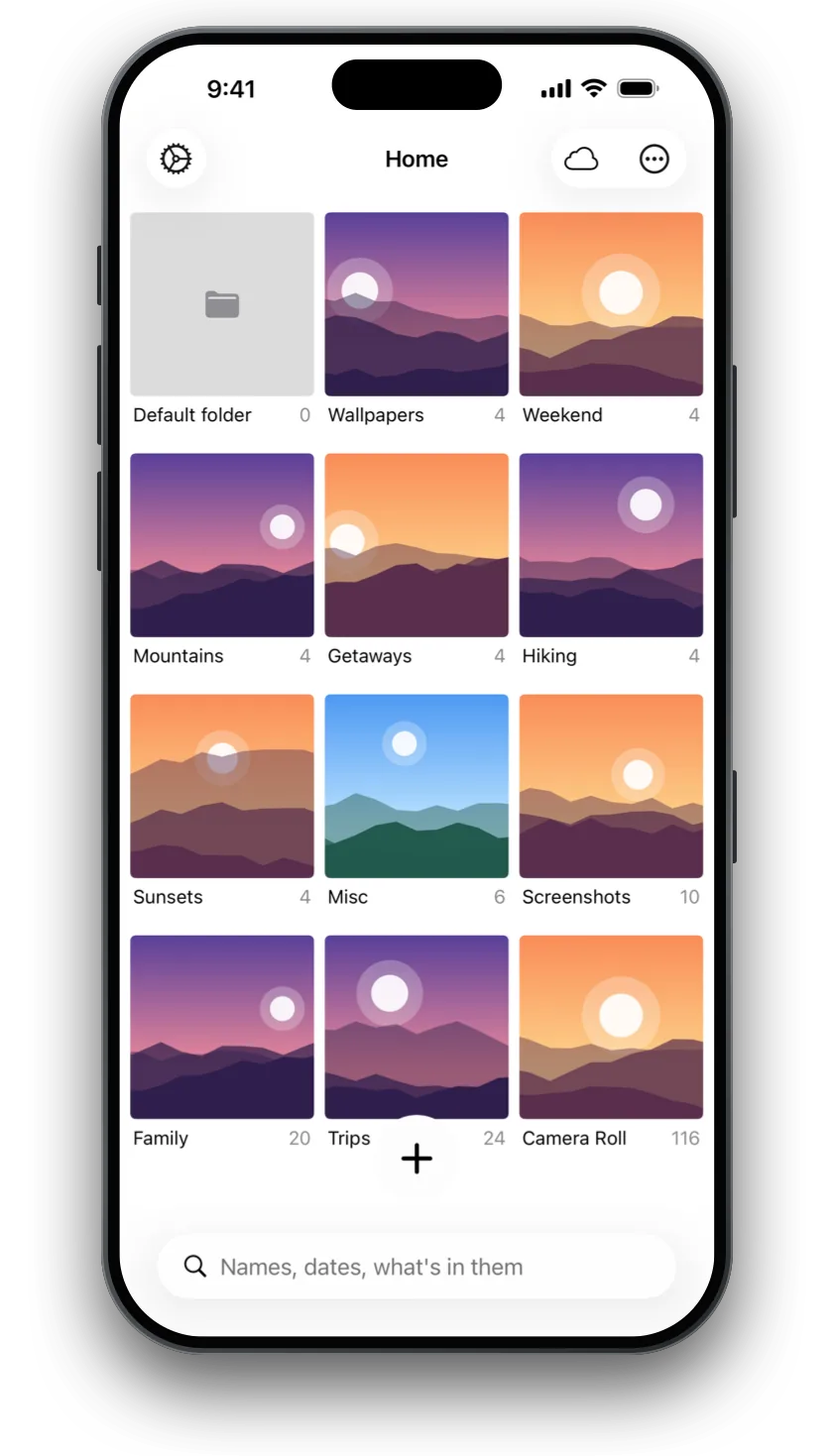
Straight into
the vault
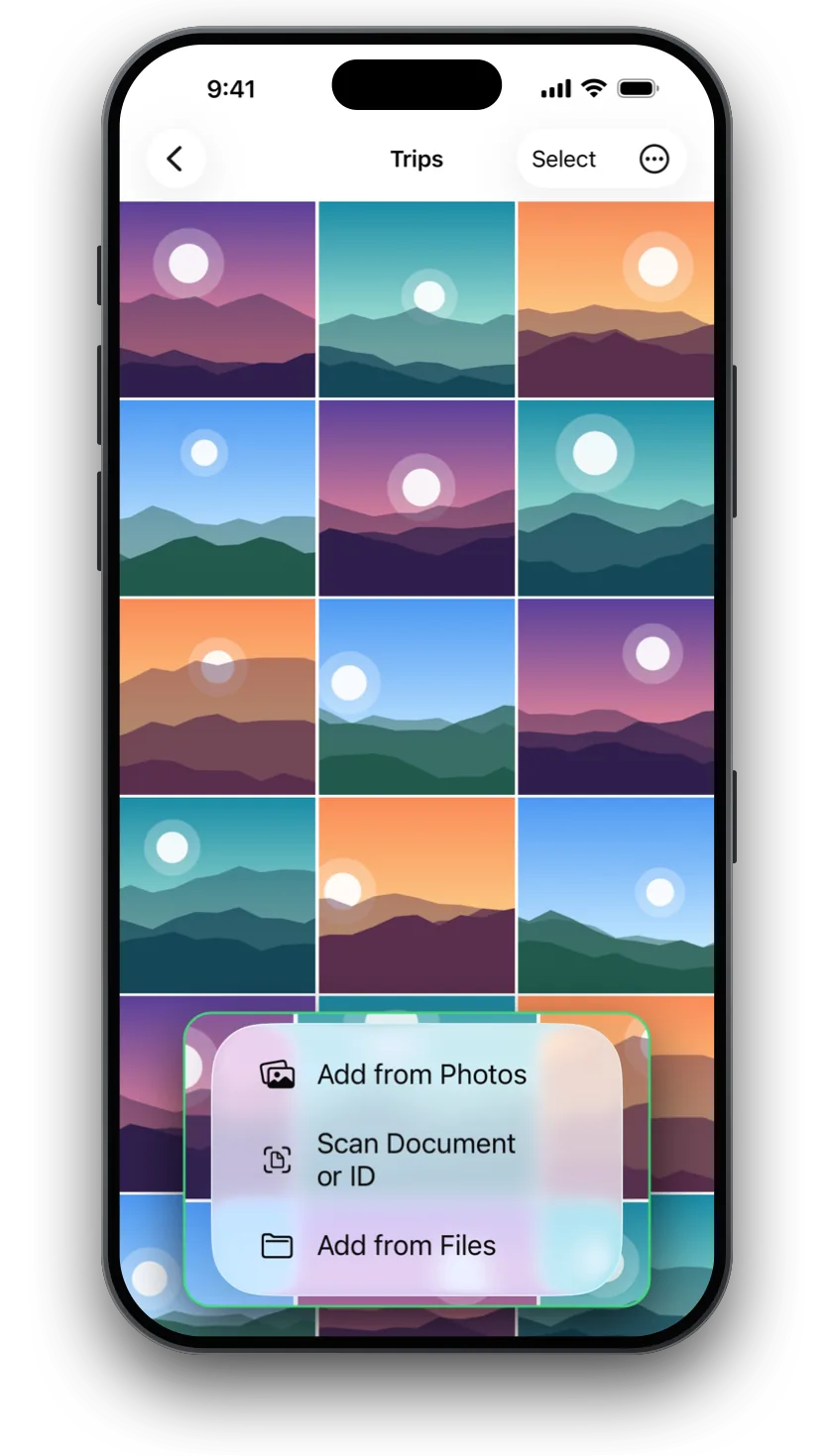
Bring in photos and videos from Photos or Files, or scan documents and IDs into a PDF that never touches your camera roll.
Backed up,
your way
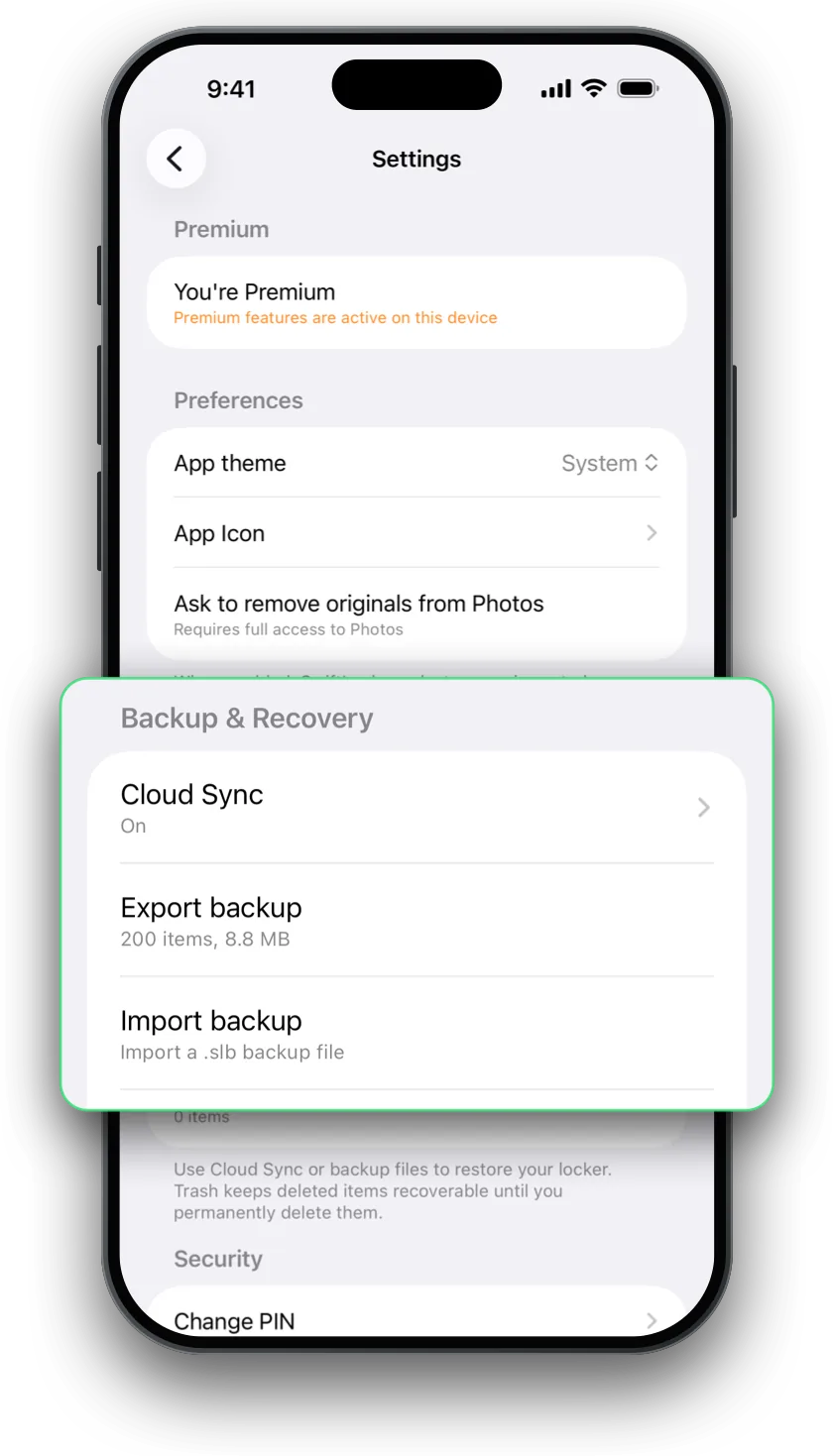
Keep your vault in SwiftLocker's own space in your iCloud, end-to-end encrypted, and bring it back on a new iPhone. Or save a password-protected backup wherever you like.
Small things that
add up
Face ID or Touch ID
Open it with a glance or a touch, with your own PIN behind it, separate from your iPhone's passcode.
Encrypted on your device
Every file in the vault is encrypted on your iPhone, so it stays unreadable outside SwiftLocker.
Trash
Deleted something by mistake? Get it back from Trash, free for everyone.
Find Duplicates
Spot copies of the same photo, even saved again at another size, and clear them out.
Hidden in the app switcher
SwiftLocker covers its screen when you switch apps, so a glance at your open apps shows nothing.
Speaks your language
In English, German, French, Spanish and Portuguese.
Made for iPad,
too
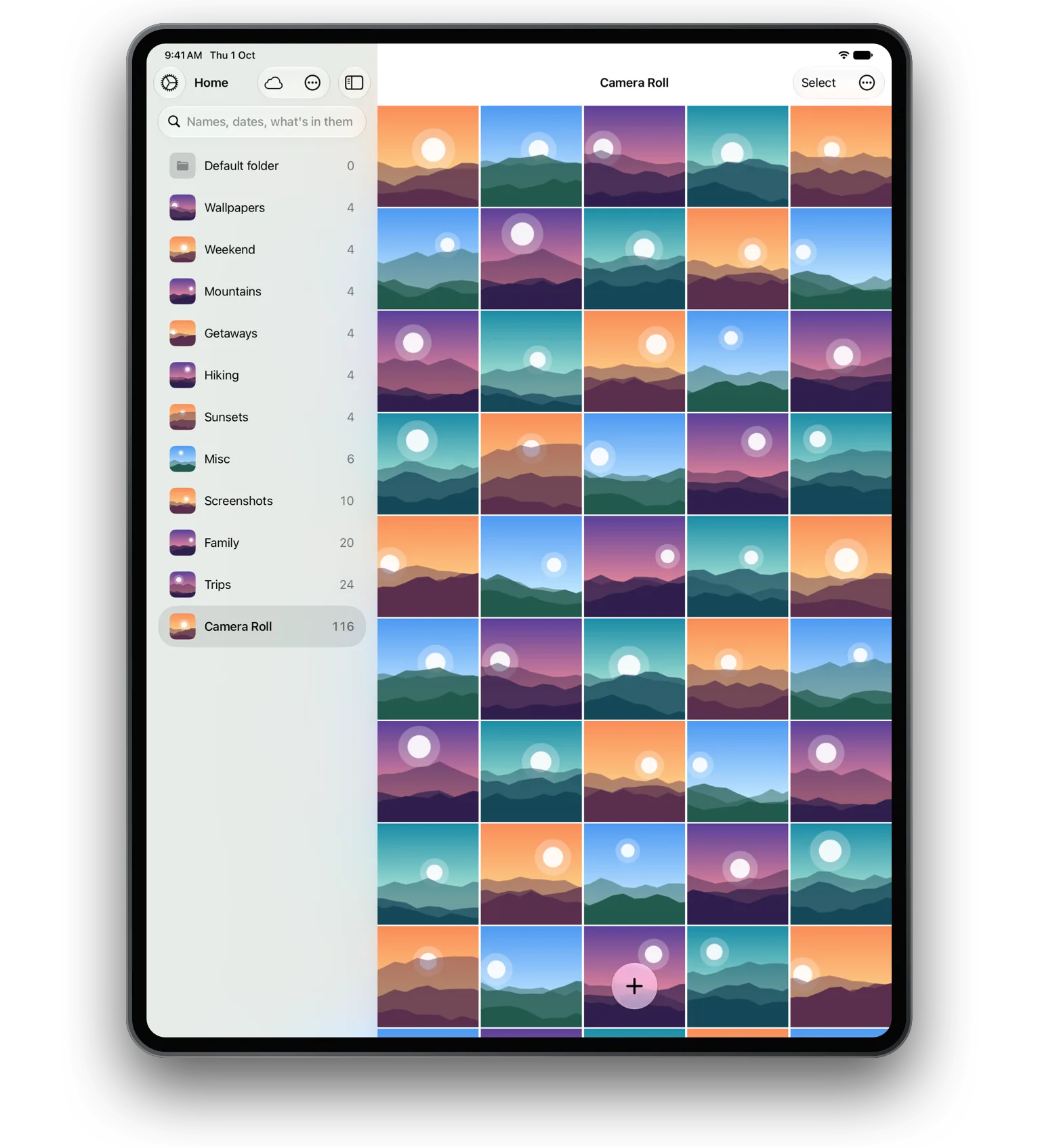
Folders in a sidebar, several windows at once, drag and drop in and out, and keyboard shortcuts. One PIN locks every window.
What leaves
your iPhone
A vault is only private if it says plainly where your data goes. Here's all of it.
Stays on your iPhone
- Your photos, videos and documentsEncrypted on the device. We never receive them.
- Your PINKept in the iPhone's Keychain. Face ID and Touch ID stay with Apple.
- What search finds in your photosWorked out on the device with Apple's frameworks.
What leaves it
- Your vault, to your own iCloudOnly when iCloud sync is on, encrypted before it leaves the device.
- A random ID and any purchasesKept by RevenueCat, which handles Premium, so it works on all your devices.
- Which Apple ad, if any, led to the downloadApple's attribution token. It identifies no one.
- Crash reports and the app's activity logSent to Sentry with a random ID for this install, never your files or their names. Turn it off in Settings.
- Your email, if you write to usWith a diagnostics report you can read before sending.
No account. No ads. No analytics. No tracking. Read the privacy policy.
Get the most
out of it
How to hide photos on iPhone without the Hidden album
Why the Hidden album isn't enough, and how to move photos behind a PIN of their own.
Read the guide →How a decoy PIN protects your private photos
Set up a second PIN that opens a harmless vault, while the real one stays hidden.
Read the guide →How to move your private photos to a new iPhone
Check your iCloud copy before you switch, and bring everything back on the new phone.
Read the guide →Good to know
Do I need an account?
No. SwiftLocker works without an account or a sign-in. Premium belongs to your Apple Account, so you can restore it on any of your devices.
Can you see my photos?
No. They're encrypted on your iPhone, and iCloud sync encrypts them before they leave it. We never receive them.
What if I forget my PIN?
It can't be reset, by design. You'd erase SwiftLocker and start again, and your files come back from iCloud sync or a SwiftLocker backup. Keep one of them on.
What happens if I delete the app?
Deleting SwiftLocker deletes the vault on that device. With iCloud sync or a backup, you can bring it back.
Does it work on iPad?
Yes, with folders in a sidebar, several windows at once, drag and drop, and keyboard shortcuts.
Keep what's private,
private
Free on the App Store, for iPhone and iPad.