SwiftLocker vs Keepsafe
Keepsafe is a photo vault for iPhone and Android, with shared albums and its own cloud. SwiftLocker is for iPhone and iPad, with no account, no ads and backups in your own iCloud. Here's how they compare, from each app's own App Store listing and website.
In short
Keepsafe fits if
- You also use Android
- You want to share albums with people you choose
- You want a separate PIN for single albums
- You'd like to reset a forgotten PIN by email
SwiftLocker fits if
- You'd rather not create an account
- You want no ads, even for free
- You want backups in your own iCloud
- You want to scan documents and IDs into the vault
- You want Trash without paying
Side by side
| Feature | Keepsafe |  SwiftLocker |
|---|---|---|
| Opens with | A PIN, plus Face ID or Touch ID | A PIN of its own, plus Face ID or Touch ID |
| Account | Name and email, verified before you set a PIN | None, and no sign-in |
| Ads | In the free version. Premium has none | None, free or Premium |
| Data used to track you, per the App Store label | Usage data | None |
| Encryption | AES-256, on the device and in its backup | Every file on your device. iCloud sync is end-to-end encrypted |
| Backup and sync | Keepsafe's own cloud. 200 items free, 10,000 with Premium, 100,000 with Lifetime | Your own iCloud, end-to-end encrypted, plus password-protected backup files |
| Can the company see your files? | Its help center says it can in limited cases, such as when you ask it to for support | No. They're encrypted before they leave your iPhone, and we never receive them |
| Forgotten PIN | Reset with a code sent to your email | Can't be reset, by design. Restore from iCloud sync or a backup |
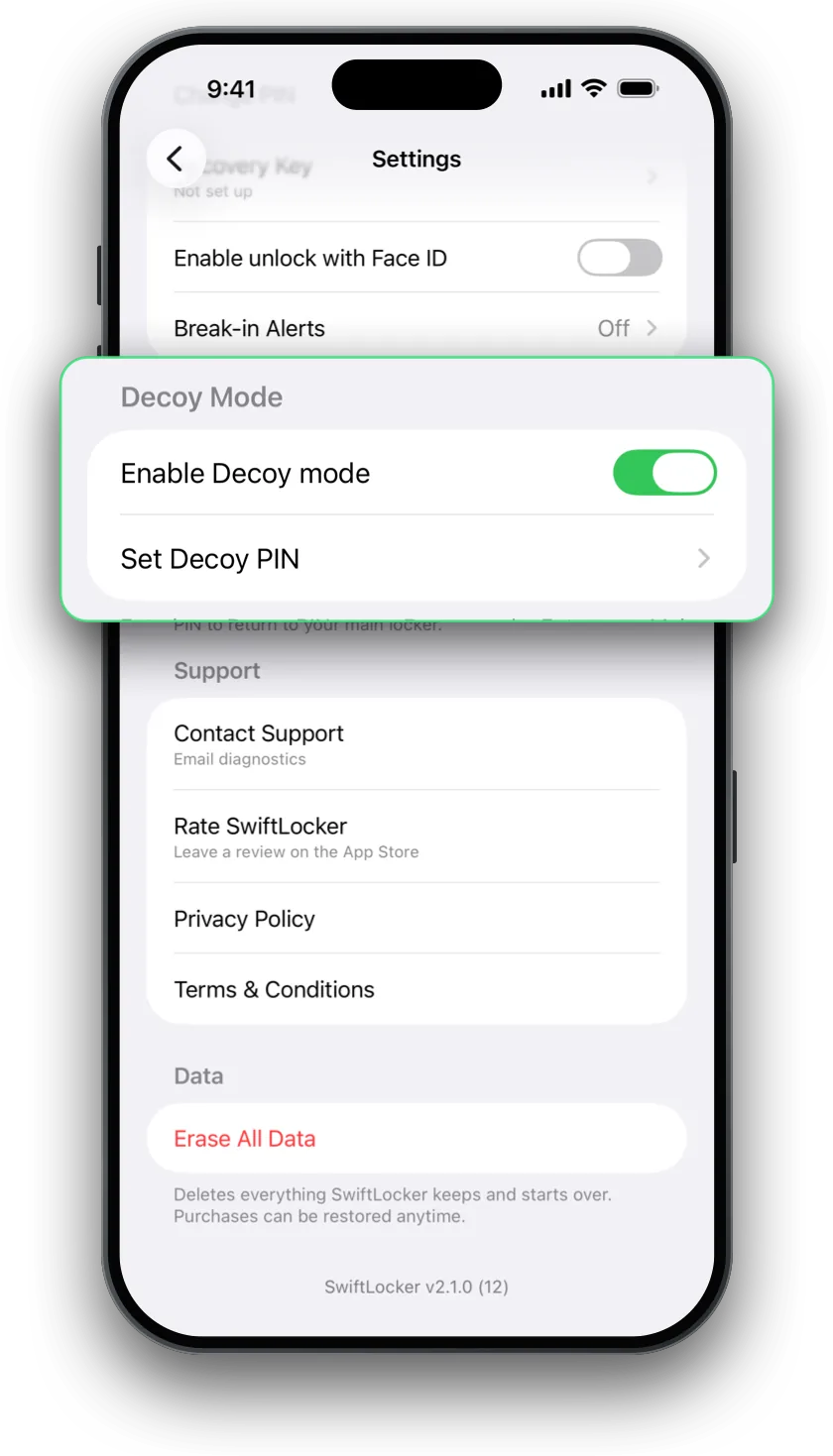
| Decoy PIN | Decoy Vault (Premium) | Decoy vault (Premium) |
| Wrong attempts | Intruder Alerts take a photo (Premium) | Break-in Alerts take a photo (Premium) |
| Trash | Recovery needs Premium | Free for everyone |
| What it holds | Photos, videos and PDFs | Photos, videos, documents and PDFs, with document and ID scanning |
| Sharing | Shared albums, and Safe Send for a limited time | Share or export items yourself |
| Devices | iPhone, iPad and Android | iPhone and iPad, optimized for iPhone Duo |
| Price | Free with ads. Premium monthly, yearly or lifetime, with a 30-day trial | Free. Premium monthly, yearly with a 7-day free trial, or once for life |
Keepsafe details from its App Store listing, website and help center, read on November 9, 2026. SwiftLocker's iCloud sync and backups are part of Premium.
Where SwiftLocker is different
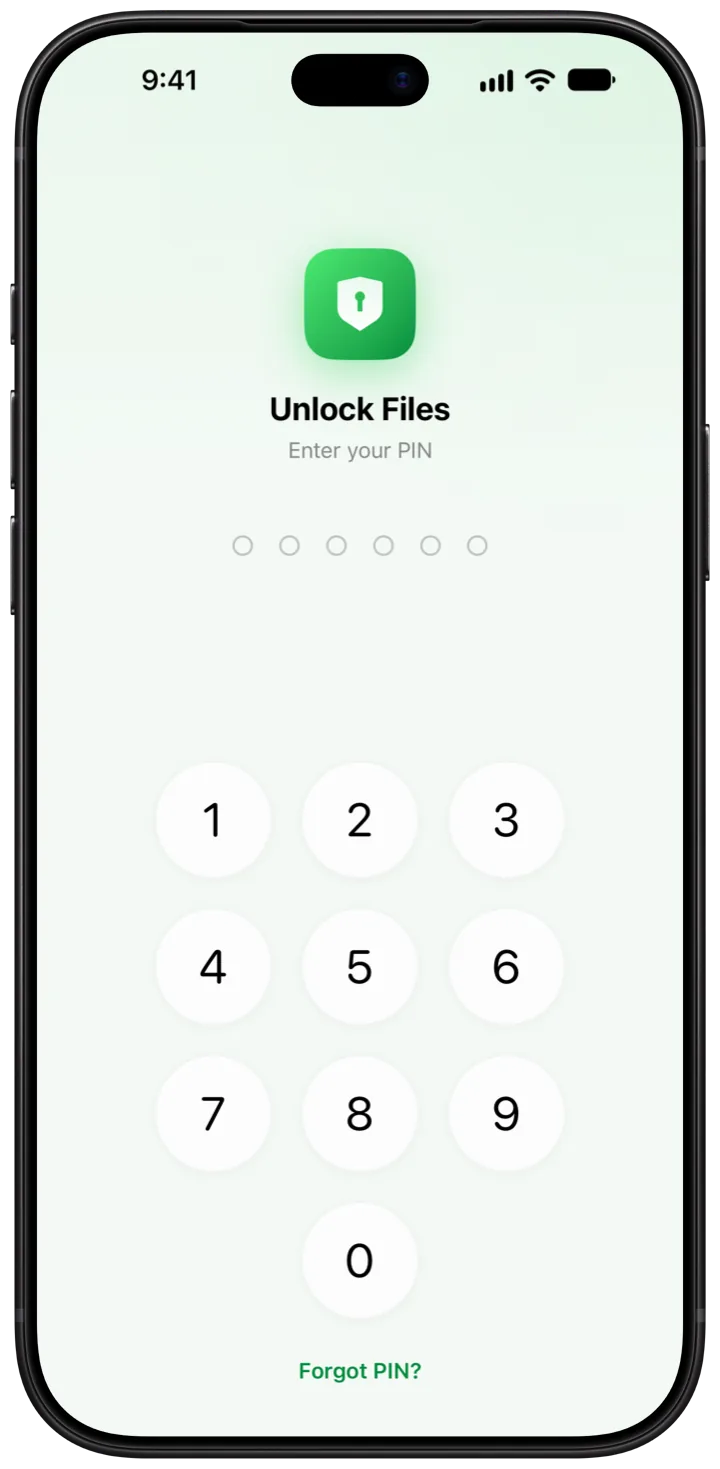
- No account, no ads. SwiftLocker works without an account or a sign-in. There are no ads, free or Premium. Its App Store label lists no data used to track you.
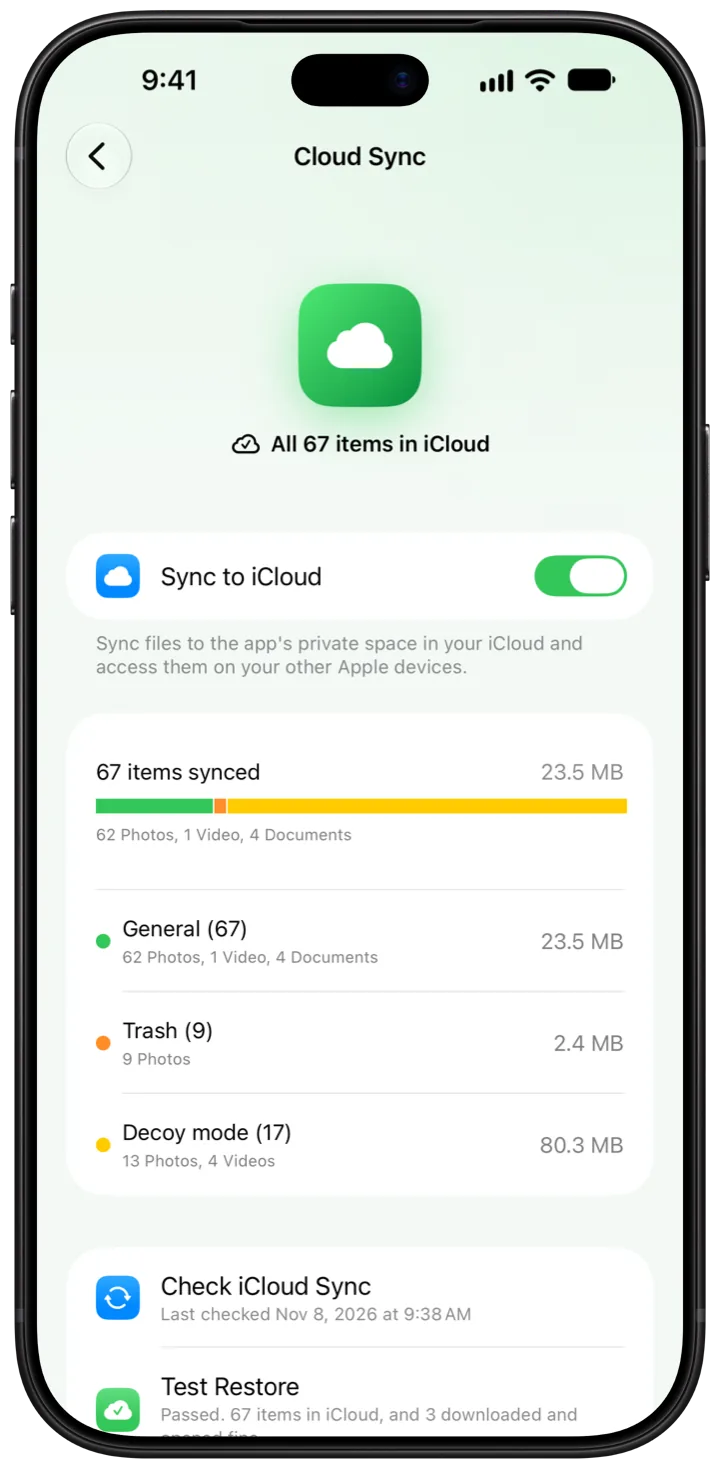
- Your own iCloud. iCloud sync keeps your vault in SwiftLocker's own space in your iCloud, end-to-end encrypted. You can also save a password-protected backup wherever you like (Premium).
- More than photos. Keep documents and PDFs beside your photos, and scan documents and IDs straight into the vault. Search the text in photos and PDFs, all on your device.
- Free extras. Trash and Find Duplicates are free for everyone.
Where Keepsafe goes further
- Android. Keepsafe runs on Android too, and syncs your vault across your devices. SwiftLocker is for iPhone and iPad.
- Sharing. Shared albums, and Safe Send for sharing a picture for a limited time.
- Album Lock. A PIN of its own for single albums (Premium).
- PIN reset by email. A forgotten PIN can be reset with a code sent to your email.
- A camera inside the app. SwiftLocker has none. You add photos from Photos or Files.
Switching from Keepsafe
- In Keepsafe, open an album, tap Select and choose the items. Tap the send icon, then Export to Camera Roll.
- In SwiftLocker, tap + › Add from Photos and pick them. SwiftLocker keeps its own copies.
- To clear the originals as you go, turn on Settings › Ask to remove originals from Photos. Then empty Albums › Recently Deleted in Photos.
- Check everything arrived before you delete Keepsafe. Deleting an app doesn't cancel its subscription, so manage Premium in your Apple Account.
Questions
Is SwiftLocker a good Keepsafe alternative?
If you use iPhone or iPad and want no account and no ads, it's worth a look. If you need Android or shared albums, Keepsafe has them and SwiftLocker doesn't.
Does SwiftLocker need an account like Keepsafe?
No. SwiftLocker works without an account or a sign-in, iCloud sync included. Keepsafe's help center says new users create an account with a name and an email address.
Can I move my photos from Keepsafe to SwiftLocker?
Yes. In Keepsafe, select the items in an album, tap the send icon and choose Export to Camera Roll. Then add them in SwiftLocker with + › Add from Photos.
Does SwiftLocker have a decoy PIN and break-in photos?
Yes, both are part of Premium, as in Keepsafe. A decoy PIN opens a second vault. Break-in Alerts take a photo after 3 wrong PINs in a row.
Is SwiftLocker free?
Yes. Hiding photos, videos and documents behind your PIN, Face ID or Touch ID, encryption, scanning, search, Trash and Find Duplicates are free, with three folders of your own. Premium adds the decoy vault, iCloud sync, backups, unlimited folders, Break-in Alerts and app icons in five colors.