 SwiftLocker
How to hide videos on iPhone
There are two ways. The Photos app hides videos in its Hidden album, which opens with Face ID, Touch ID or your iPhone passcode. SwiftLocker keeps them behind a PIN of their own, encrypted on your iPhone.
Hide videos in the Photos app
- Open Photos and find the video.
- Tap and hold it, then tap Hide.
- Confirm. The video moves to the Hidden album, under Utilities in Collections.
To hide several at once, tap Select, choose the videos, then open the menu and tap Hide. To watch them later, open Collections › Hidden, tap View Album and unlock it.
Hidden videos leave your Library and other albums. But they open with Face ID, Touch ID or your passcode. Is the Hidden album private? explains what that lock covers.
Hide videos in SwiftLocker
- Open SwiftLocker and choose a PIN. You can add Face ID or Touch ID next, or later in Settings › Security.
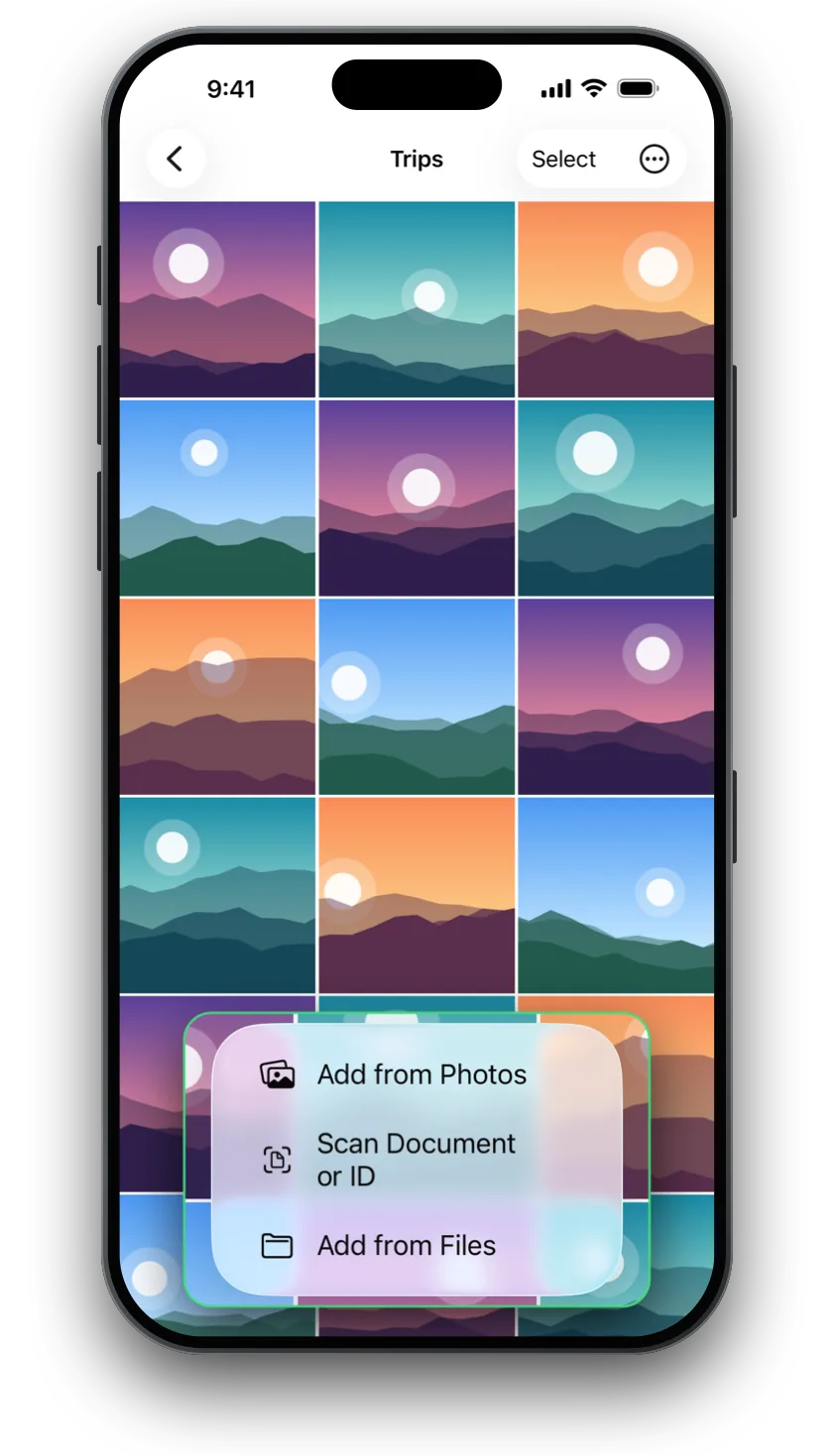
- Tap + › Add from Photos and pick your videos. SwiftLocker keeps its own copies, encrypted on your iPhone.
- For videos saved in Files, tap + › Add from Files instead.
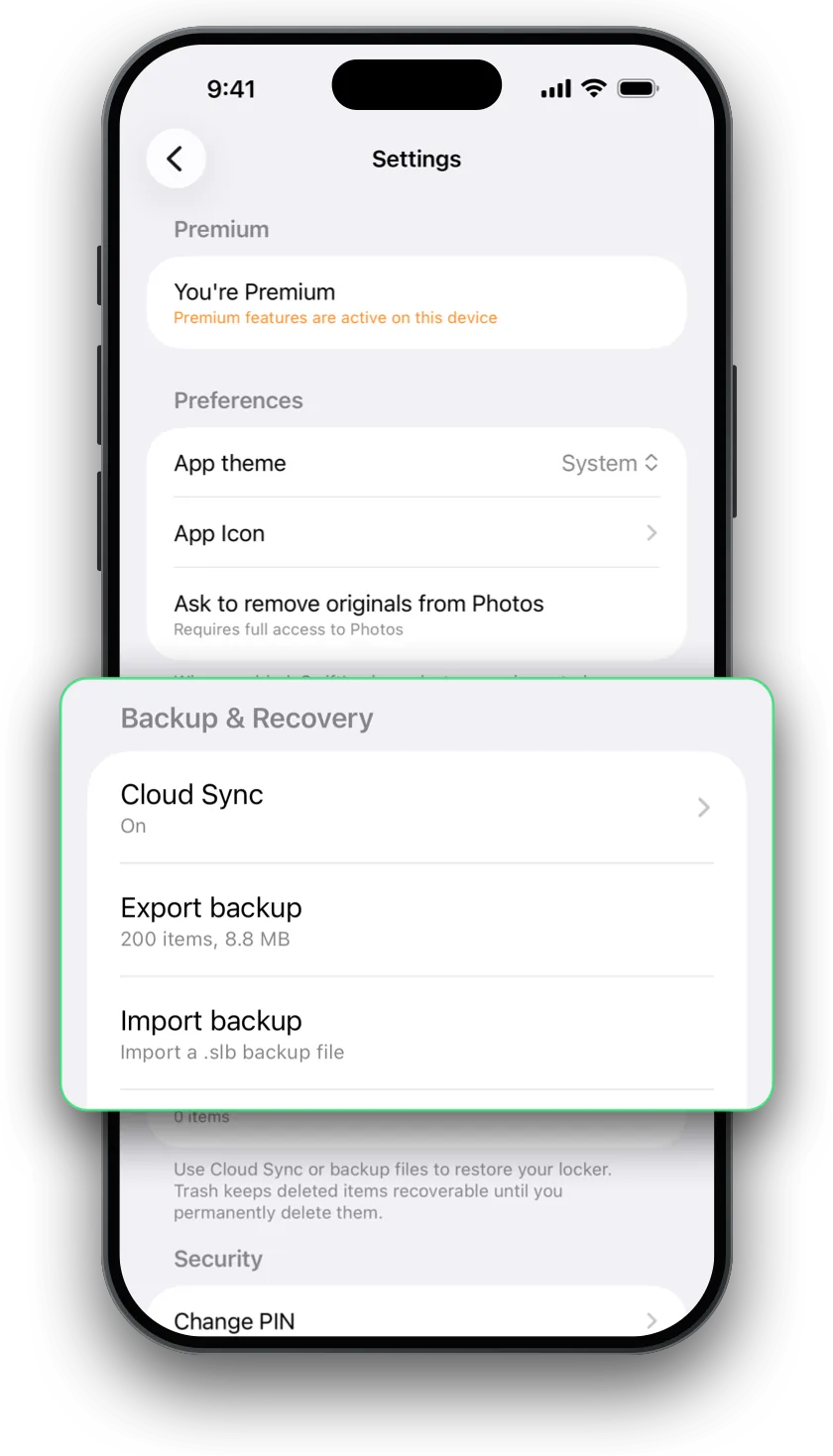
- To clear the originals as you go, turn on Settings › Ask to remove originals from Photos (it needs full access to Photos). SwiftLocker then moves the originals to Recently Deleted.
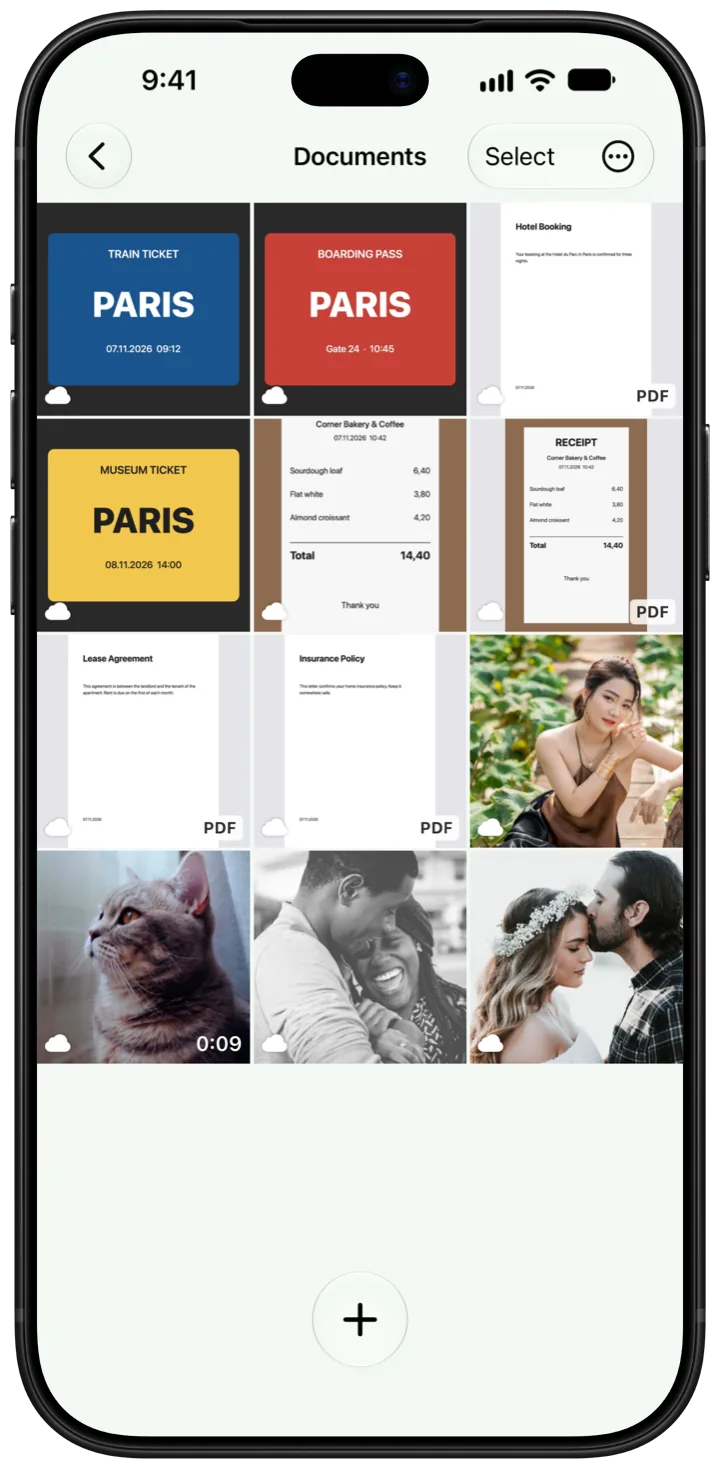
Your videos play right in SwiftLocker. Keep them in folders of your own, beside your photos and documents.
Gone for good. Deleted videos stay in Collections › Recently Deleted in Photos for 30 days. Empty it, so the originals are off your iPhone too.
Questions
How do I hide a video on iPhone without an app?
Open Photos, tap and hold the video, then tap Hide. It moves to the Hidden album, which opens with Face ID, Touch ID or your passcode.
Where do hidden videos go?
To the Hidden album. In Photos, open Collections and tap Hidden under Utilities. Then tap View Album and unlock it.
Can I hide videos behind a password?
The Hidden album opens with your iPhone passcode, Face ID or Touch ID. For a PIN of their own, move them into SwiftLocker. Your iPhone passcode doesn't open it.
Is hiding videos in SwiftLocker free?
Yes. Hiding photos, videos and documents behind your PIN, Face ID or Touch ID, encryption, scanning, search, Trash and Find Duplicates are free, with three folders of your own. Premium adds the decoy vault, iCloud sync, backups, unlimited folders, Break-in Alerts and app icons in five colors.