 SwiftLocker
Break-in Alerts: See who tried your PIN
Ever wondered whether someone tried to open your vault? Break-in Alerts take a photo with the front camera after 3 wrong PINs in a row, and send you an alert. You see who it was the next time you unlock. They're for anyone whose iPhone sometimes sits where others can pick it up. Break-in Alerts come with SwiftLocker Premium.
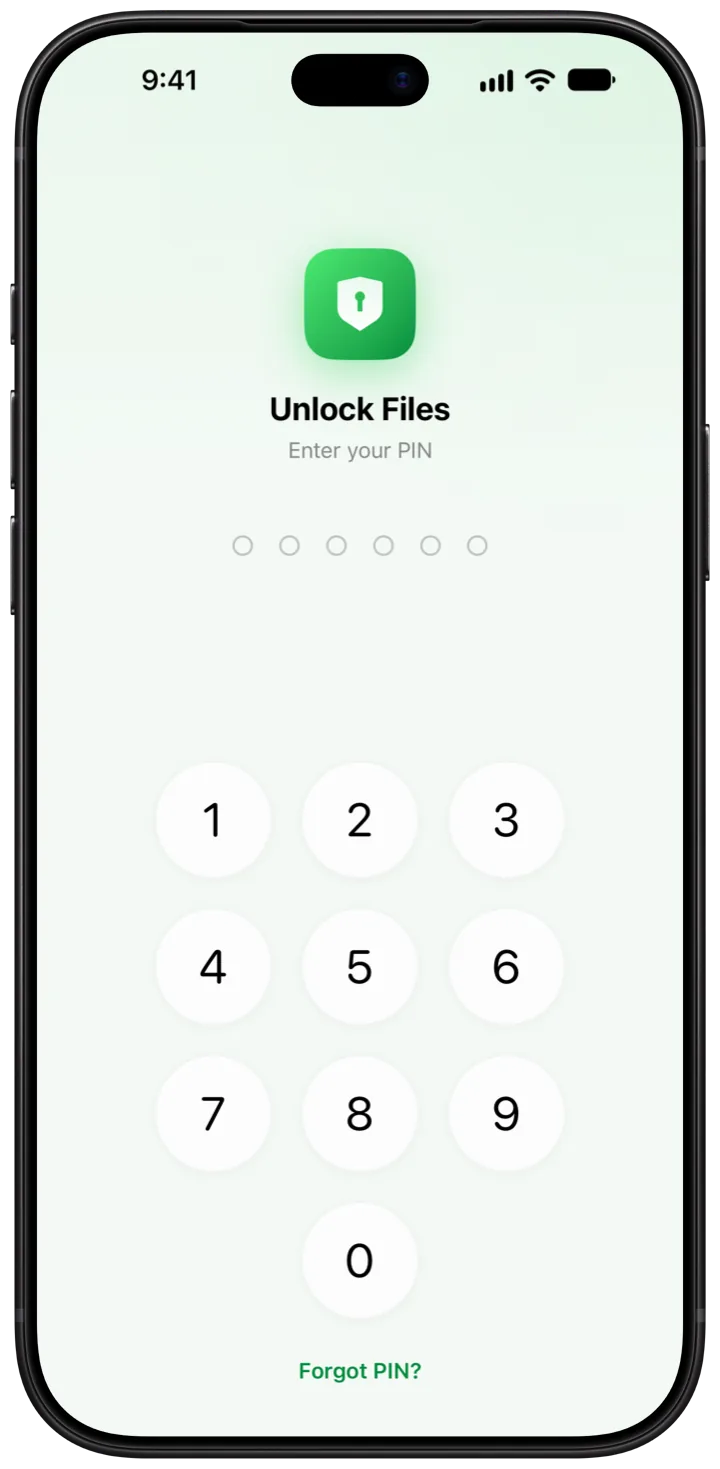
How it works
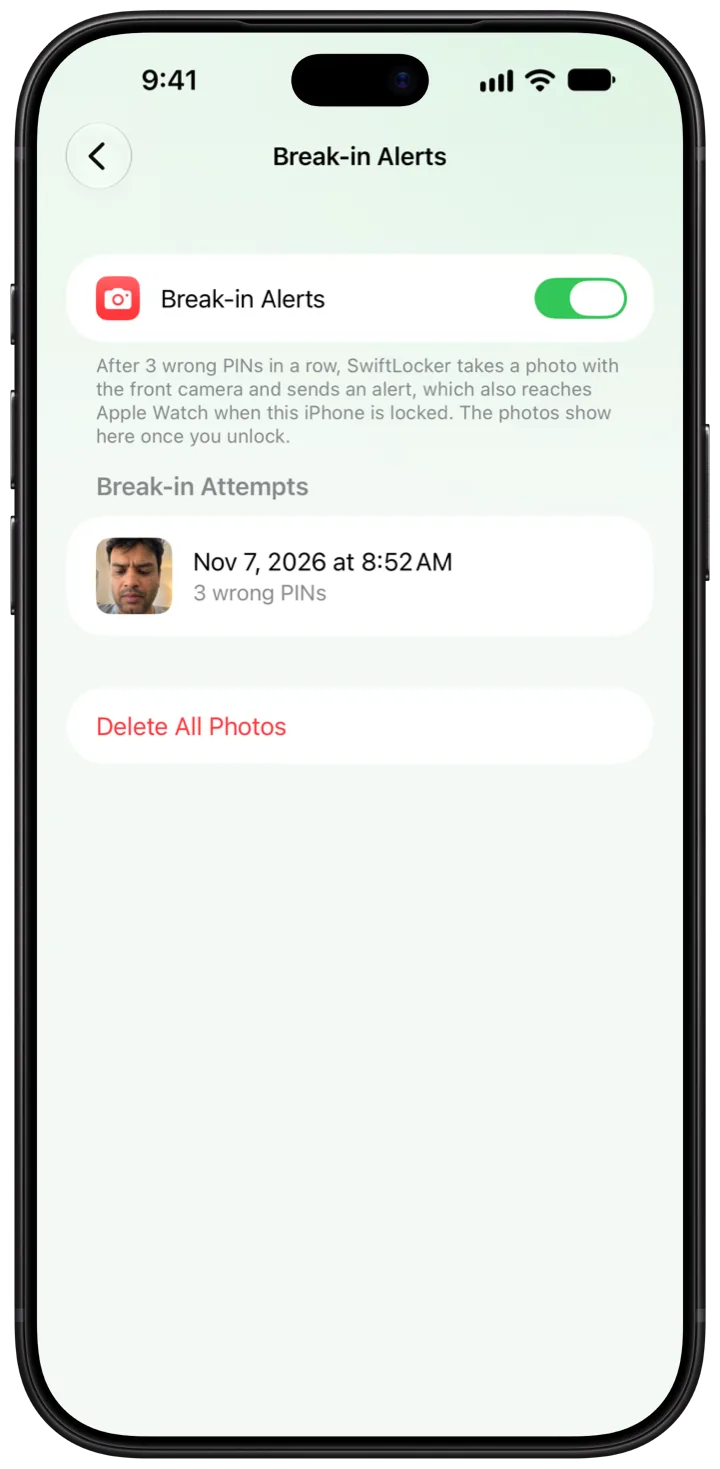
- Open Settings › Security › Break-in Alerts and turn on Break-in Alerts.
- Allow the camera and notifications when SwiftLocker asks. Without the camera there's nothing to take the photo with, so the switch turns off again.
- After 3 wrong PINs in a row, SwiftLocker takes a photo with the front camera. A few seconds later, an alert says someone entered a wrong PIN 3 times in a row. If your iPhone is locked by then, it reaches Apple Watch too.
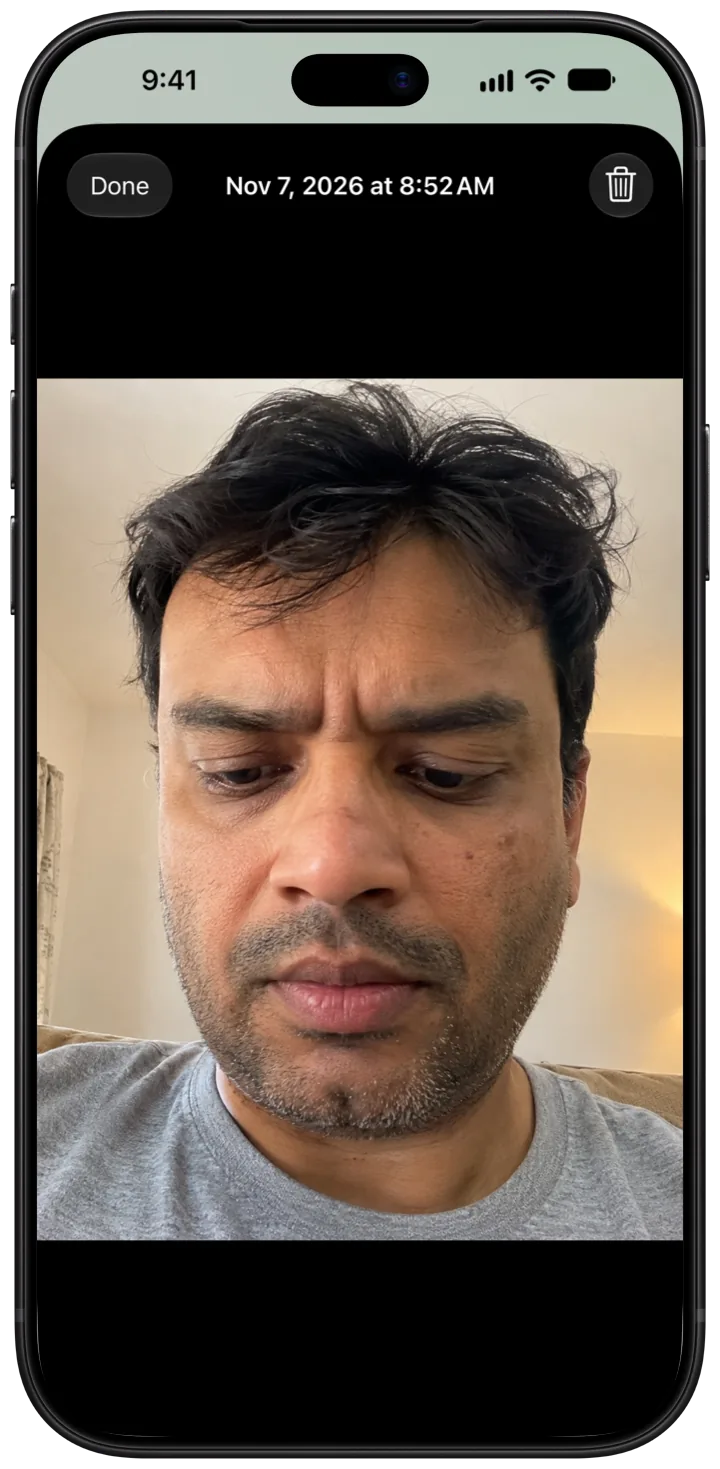
- Unlock with your main PIN. SwiftLocker says how many wrong PINs there were and when the last one was. Tap View Photo to see who it was.
- Find every photo later in Settings › Security › Break-in Alerts, with the date and the number of wrong PINs.
Good to know
- Kept apart. Break-in photos never show on Home, in search or in iCloud. They aren't photos you chose to keep.
- Encrypted. A photo taken while SwiftLocker is locked waits under your iPhone's own protection. At your next unlock with your main PIN, it moves into the vault, encrypted.
- Every 3 tries. Every 3 more wrong PINs take another photo. Any unlock starts the count again.
- Easy to clear. Open a photo and tap the trash button, or tap Delete All Photos.
Questions
When does SwiftLocker take a photo?
After 3 wrong PINs in a row, then after every 3 more. Any unlock starts the count again. Wrong entries while you change your PIN don't count.
Will I get a notification?
Yes. The alert says someone entered a wrong PIN 3 times in a row. If your iPhone is locked by then, it reaches Apple Watch too.
Where do the photos go?
To Settings › Security › Break-in Alerts, encrypted in your vault. They never show on Home, in search or in iCloud.
Can someone keep guessing my PIN?
Not quickly. After 5 wrong PINs in a row, the next try waits 1 minute, then 5, 15 and 60 minutes. That's on for everyone, free or Premium.
Is it free?
Break-in Alerts are part of SwiftLocker Premium. If Premium ends, the photos already taken stay where you can see them.