 SwiftLocker
Is the Hidden album private?
Partly. Photos you hide leave your Library, your other albums and the Photos widget. The Hidden album is locked, but it opens with Face ID, Touch ID or your iPhone passcode. So anyone who knows your passcode can look inside.
What the Hidden album does
- Out of your library. Hidden photos and videos don't appear anywhere else in Photos, like the Library, other albums or the Photos widget on your Home Screen.
- Locked by default. Since iOS 16, the Hidden album needs Face ID, Touch ID or your passcode to open.
- Can be hidden itself. Turn off Show Hidden Album, and the album doesn't show in Photos at all.
- The same on every device. With iCloud Photos, photos you hide on one device are hidden on your other devices too.
Where it falls short
- Your passcode opens it. Its lock is your iPhone's own Face ID, Touch ID or passcode. Anyone who knows your passcode can open it.
- The lock can be turned off. In Settings › Apps › Photos, turning off Use Face ID leaves the album unlocked.
- One tap to undo. Whoever opens the album can tap Unhide, and the photo is back in your library.
Make the Hidden album more private
- Open Settings › Apps › Photos.
- Keep Use Face ID turned on (or Use Touch ID or Use Passcode), so the album stays locked.
- Turn off Show Hidden Album. Your hidden photos then don't show in Photos until you turn it back on.
- Keep your iPhone passcode to yourself. It opens the Hidden album too.
When you want a lock of its own
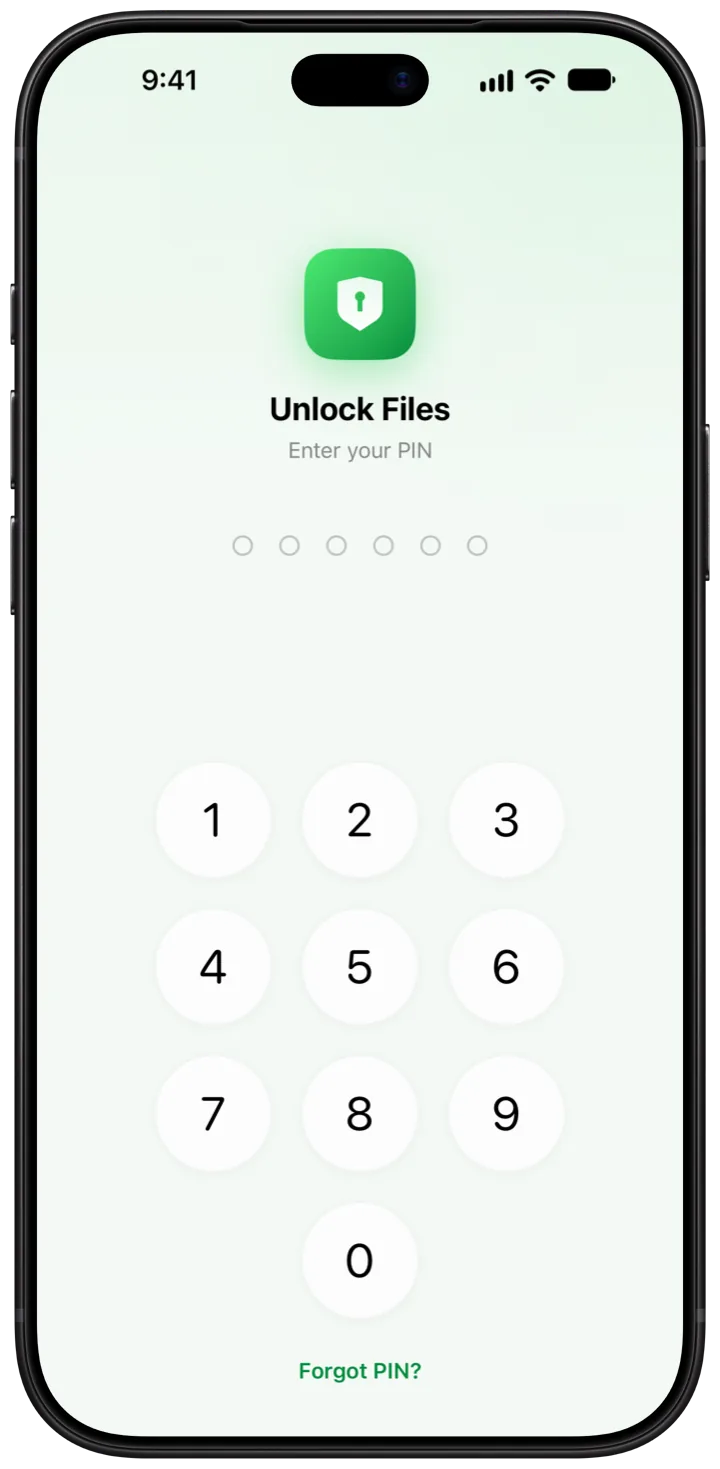
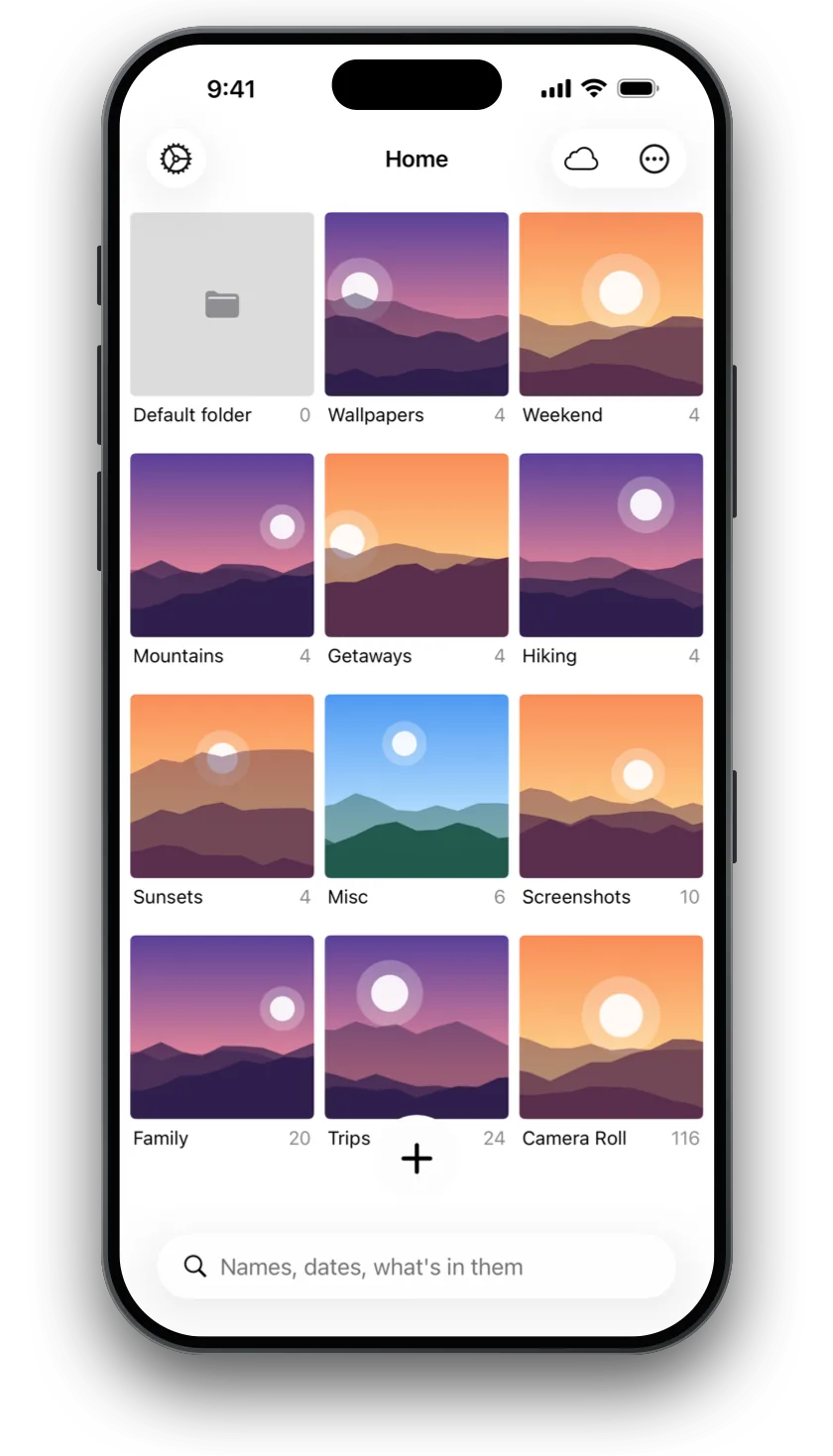
SwiftLocker keeps photos and videos behind a PIN that's separate from your iPhone passcode, plus Face ID or Touch ID. Every file is encrypted on your iPhone. Here's how to move your hidden photos in.
- In Photos, open Collections › Hidden, tap View Album and unlock it.
- Tap and hold a photo, then tap Unhide. It's back in your library.
- In SwiftLocker, choose a PIN, then tap + › Add from Photos and pick the photos. SwiftLocker keeps its own copies.
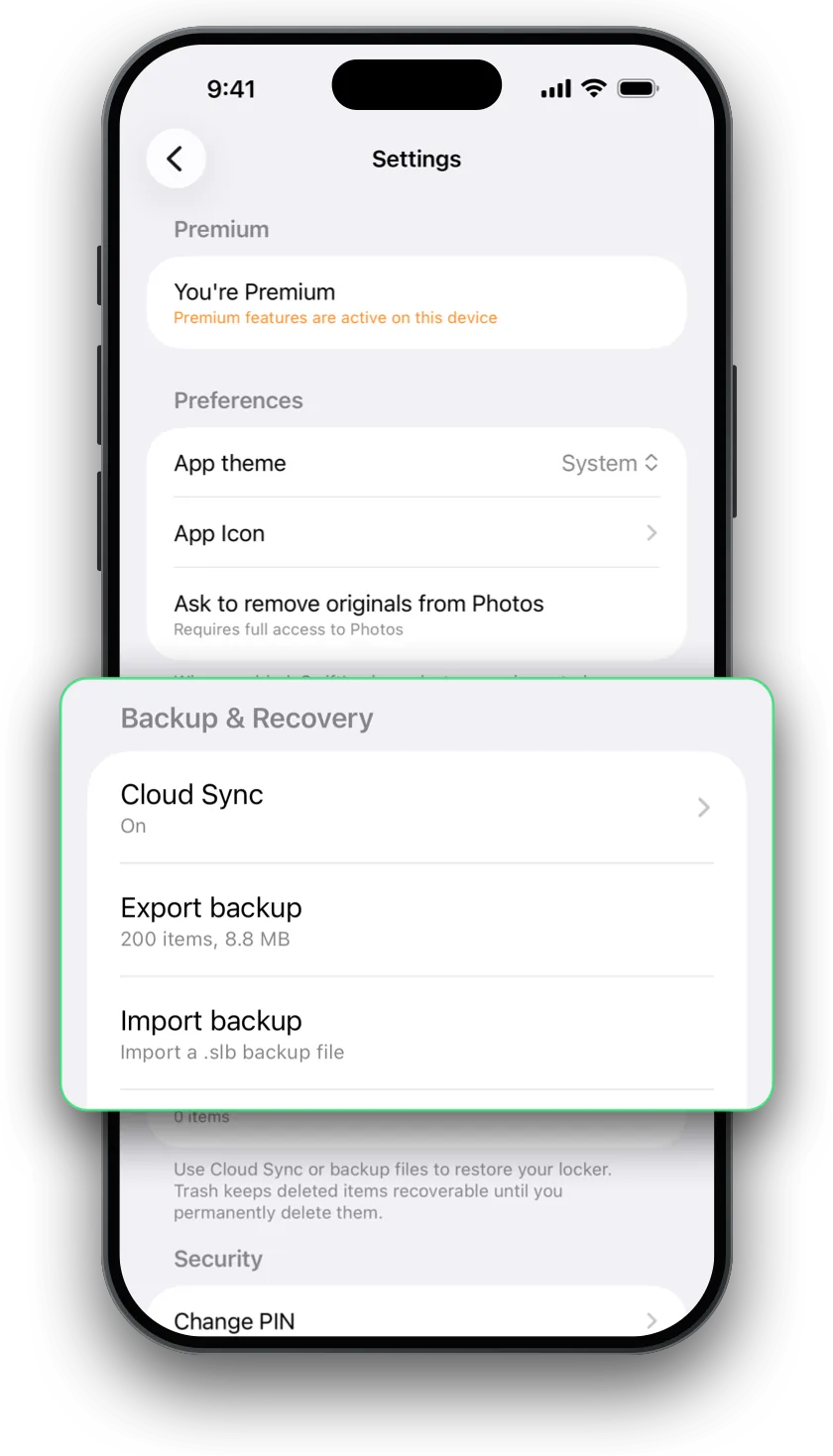
- To clear the originals as you go, turn on Settings › Ask to remove originals from Photos. Then empty Collections › Recently Deleted in Photos.
For everything side by side, read The Hidden album vs SwiftLocker.
Questions
Is the Hidden album locked?
Yes, by default since iOS 16. It opens with Face ID, Touch ID or your iPhone passcode. You can turn the lock off in Settings › Apps › Photos.
Can someone with my passcode see my hidden photos?
Yes. The Hidden album opens with your iPhone passcode, as well as Face ID or Touch ID. Anyone who knows your passcode can open it.
How do I hide the Hidden album?
Open Settings › Apps › Photos and turn off Show Hidden Album. Your hidden photos then don't show in the Photos app until you turn it back on.
Are hidden photos hidden on my other devices?
Yes, if you use iCloud Photos. Photos you hide on one device are hidden on your other devices too.
Is there a more private option?
A photo vault with a PIN of its own. SwiftLocker opens with a PIN that's separate from your iPhone passcode, plus Face ID or Touch ID, and encrypts every file on your iPhone.