The Hidden album vs SwiftLocker
The Photos app's Hidden album keeps pictures out of your library, and it's built in and free. It unlocks with your iPhone's passcode, Face ID or Touch ID, so anyone who knows your passcode can look inside. SwiftLocker has a PIN of its own.
In short
The Hidden album is enough if
- Nobody else knows your iPhone passcode
- You only want photos out of your library view
- You'd rather not add another app
SwiftLocker fits if
- Someone else knows your passcode
- You want a decoy PIN for when someone asks to see
- You keep documents and PDFs too
- You want folders and search for private photos
- You want to know who tried wrong PINs
Side by side
| Feature | Hidden album |  SwiftLocker |
|---|---|---|
| Opens with | Your iPhone passcode, Face ID or Touch ID. Locked by default since iOS 16 | A PIN of its own, plus Face ID or Touch ID |
| Someone who knows your passcode | Can open it | Still needs your SwiftLocker PIN |
| Where it lives | In Photos, under Utilities. You can hide the album itself | In its own app, behind its own lock |
| Out of your library | Hidden photos leave the Library, other albums and the Photos widget | Out of Photos entirely, once you remove the originals |
| Decoy PIN | No | Opens a second, harmless vault |
| What it holds | Photos and videos | Photos, videos, documents and PDFs |
| Organizing | One album | Folders of your own, with search |
| Wrong attempts | No alert | A photo of whoever tried |
| On your other devices | Hidden there too, with iCloud Photos | Synced through your own iCloud, end-to-end encrypted |
| Price | Built in and free | Free with three folders. Premium is optional |
Decoy PIN, Break-in Alerts and iCloud sync are part of SwiftLocker Premium. Hidden album details from Apple Support, read on November 9, 2026.
What the Hidden album does well
It's built in, free and simple. Photos you hide leave your Library, your other albums and the Photos widget. Since iOS 16, the album is locked by default with Face ID, Touch ID or your passcode.
You can also hide the album itself. Turn off Show Hidden Album in Settings › Apps › Photos. With iCloud Photos, what you hide on one device is hidden on your other devices too.
Where a vault helps
The Hidden album's lock is your iPhone's lock. Anyone who knows your passcode can open it. The lock can also be turned off in Settings › Apps › Photos.
It's one album for photos and videos. There's no decoy, and no alert after wrong attempts. SwiftLocker adds:
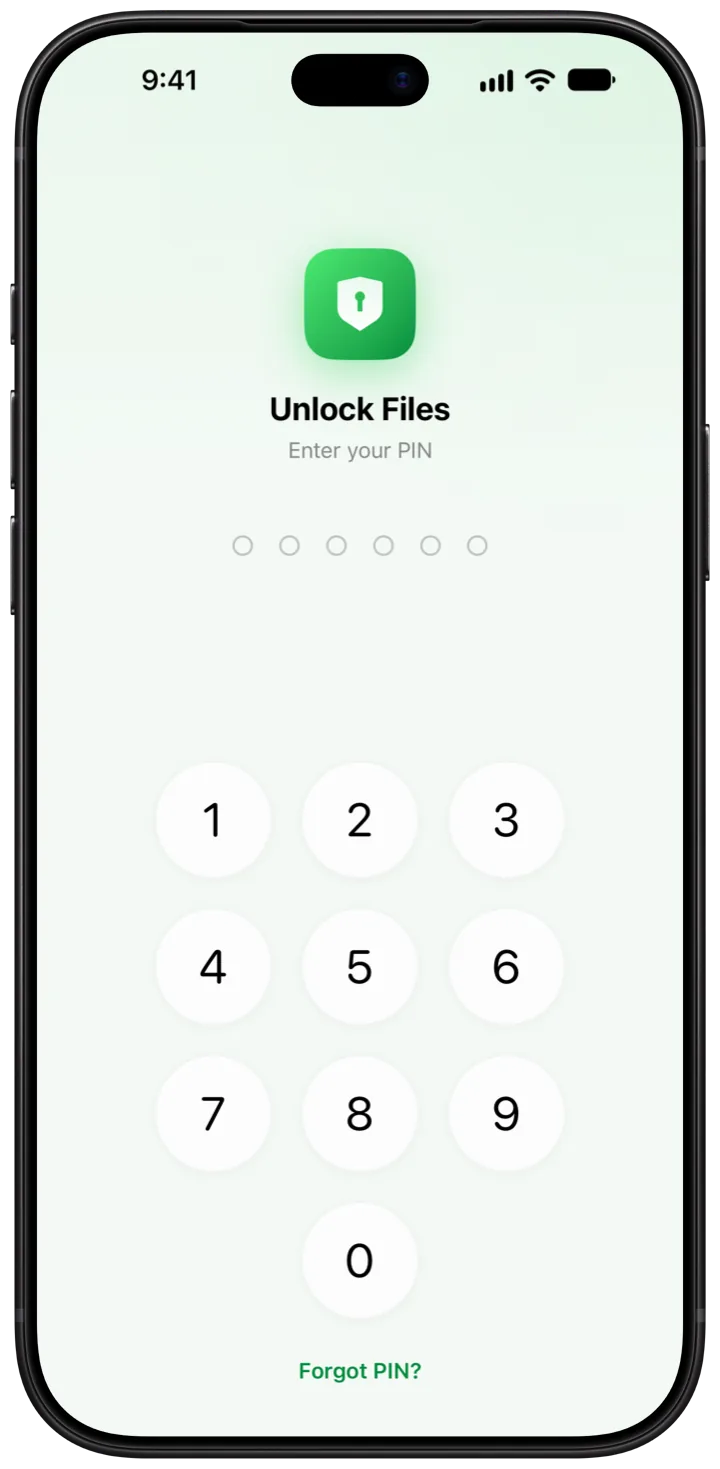
- A PIN of its own. It's separate from your passcode, plus Face ID or Touch ID.
- A decoy PIN. It opens a second vault with only what you put there (Premium).
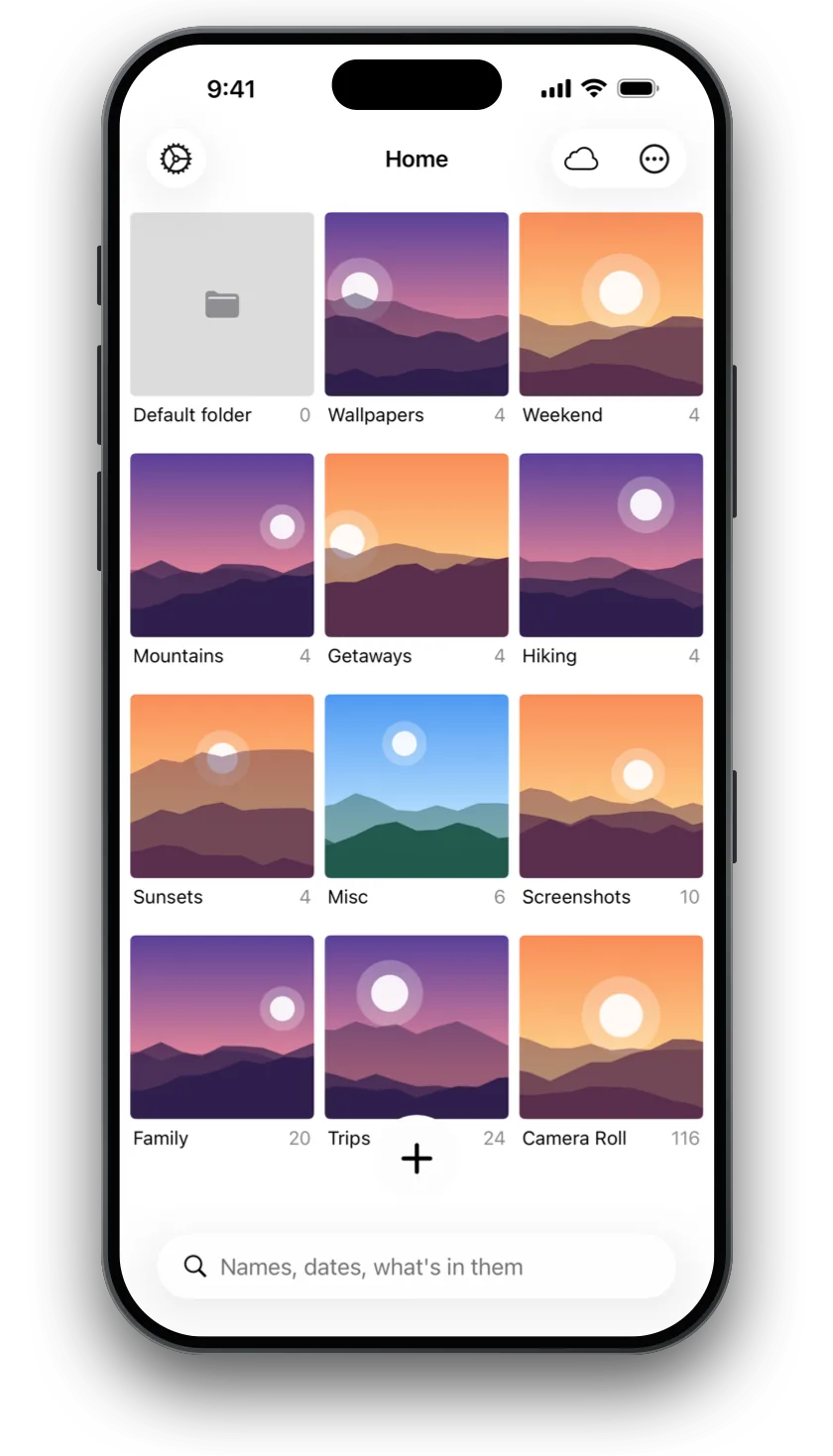
- Folders for more than photos. Keep videos, documents and PDFs, and scan documents and IDs straight in.
- Search on your device. Find things by name, date and the text in photos and PDFs.
- Encryption. Every file is encrypted on your device.
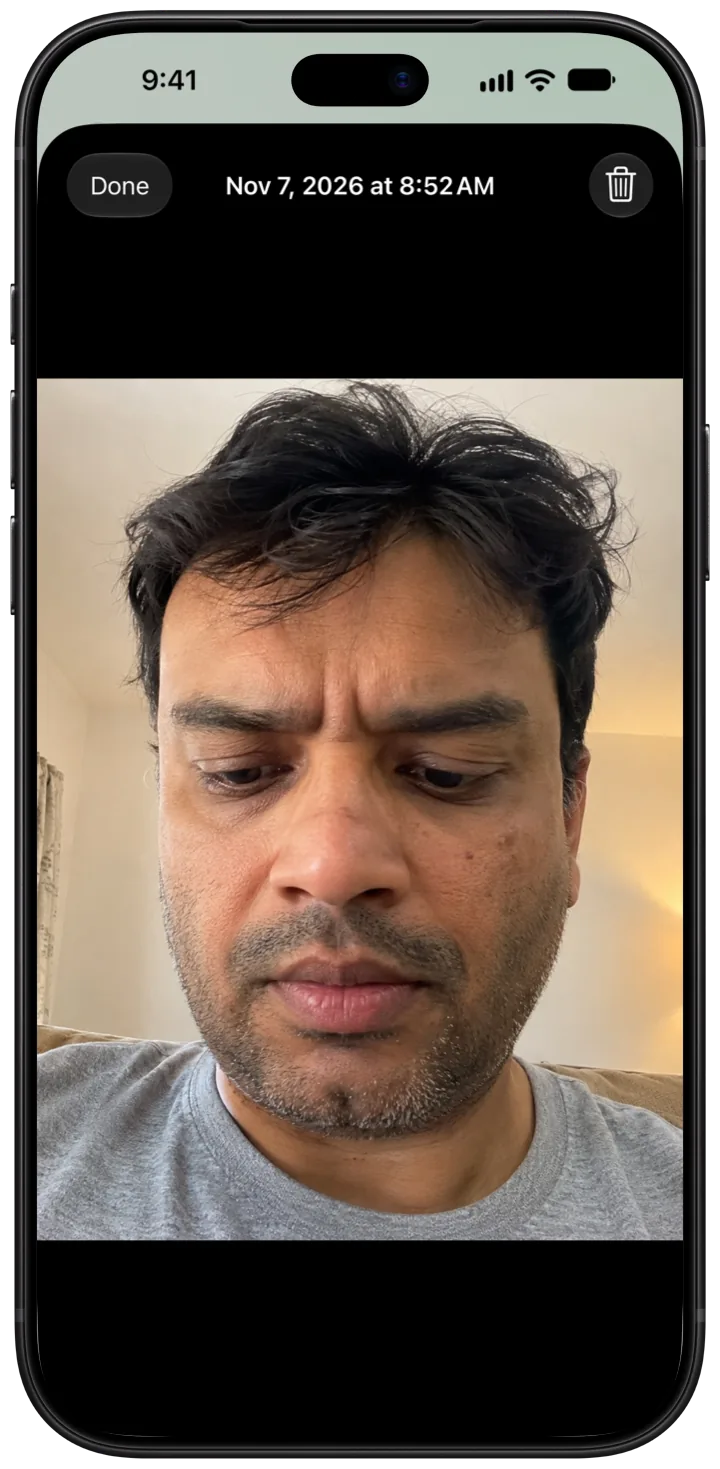
- Break-in Alerts. After 3 wrong PINs in a row, it takes a photo with the front camera (Premium).
- Private iCloud sync. Your vault lives in SwiftLocker's own space in your iCloud, end-to-end encrypted (Premium).
Move photos from the Hidden album
- In Photos, open Collections › Hidden, tap View Album and unlock it.
- Tap and hold a photo, then tap Unhide. It's back in your library.
- In SwiftLocker, tap + › Add from Photos and pick them. SwiftLocker keeps its own copies.
- To clear the originals as you go, turn on Settings › Ask to remove originals from Photos. Then empty Albums › Recently Deleted in Photos.
Every step is in the guide How to hide photos on iPhone without the Hidden album.
Questions
Is the Hidden album secure?
It's locked by default with Face ID, Touch ID or your passcode. So anyone who knows your iPhone passcode can open it. The lock can also be turned off in Settings › Apps › Photos.
Can I hide the Hidden album?
Yes. Open Settings › Apps › Photos and turn off Show Hidden Album. Your hidden photos then don't show anywhere in Photos until you turn it back on.
Are hidden photos hidden on my other devices?
Yes, if you use iCloud Photos. Photos you hide on one device are hidden on your other devices too.
How is SwiftLocker different from the Hidden album?
The Hidden album unlocks with your iPhone's passcode, Face ID or Touch ID, so anyone who knows your passcode can look inside. SwiftLocker has a PIN of its own and encrypts every file on your device.
Is SwiftLocker free?
Yes. Hiding photos, videos and documents behind your PIN, Face ID or Touch ID, encryption, scanning, search, Trash and Find Duplicates are free, with three folders of your own. Premium adds the decoy vault, iCloud sync, backups, unlimited folders, Break-in Alerts and app icons in five colors.